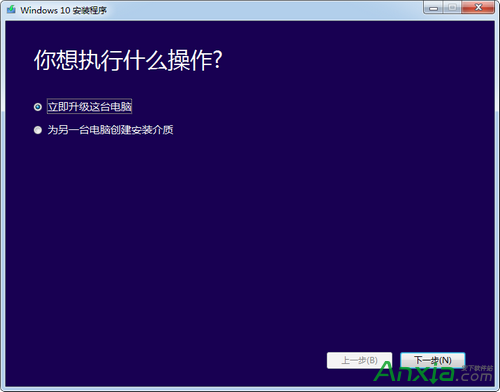
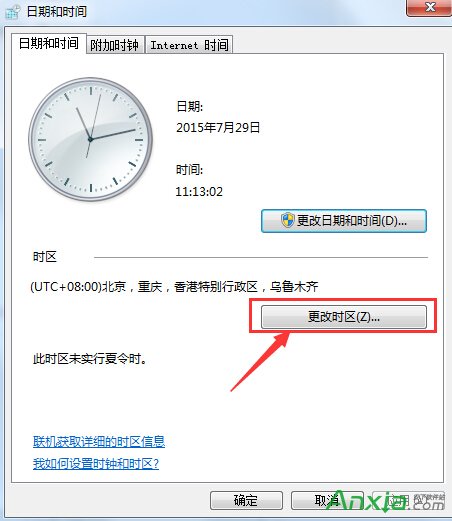
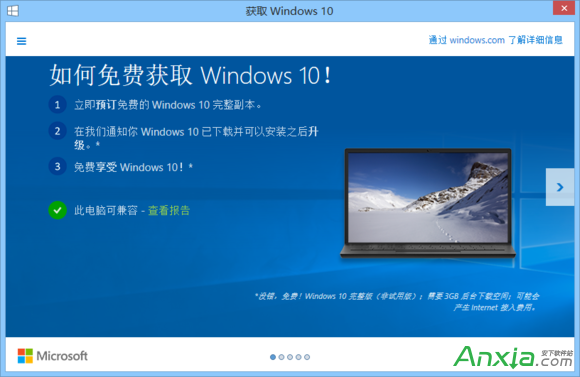
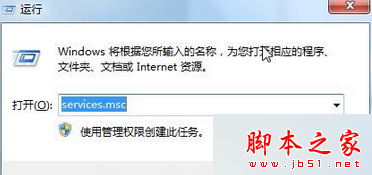
微軟分批次推送 Win10 升級,若不想等待,可嘗試修改系統時區為已開放推送的地區(如美國時區),強制觸發下載。
微軟已釋出 Windows 10 升級助手(Media Creation Tool),官網下載即可立即升級、建立安裝 USB/ISO,無需等待推送、不受時區限制,建議優先使用。
Win10 資源回收筒清空了怎麼救回?註冊表修復與設定檢查
Win7 UAC 彈出時螢幕不變暗:將使用者帳戶控制設定拉至第三級「不降低桌面亮度」
Win10 9901 虚拟机安装指南:VMware/VirtualBox 必选 EFI 固件,避开 UEFI 锁定镜像安装陷阱
Win7 NumLock 鍵失靈?螢幕鍵盤開啟數字鍵盤暫時代替
Win7 支付寶/數位憑證無法安裝?IE 安全性降級 + UAC 調低 + 註冊表修復完整解法
Windows 10 專業版免輸入產品金鑰的秘密:數位授權機制詳解
使用調變解調器(Modem)啟動 Win7 正版授權
忘記 Windows 登入密碼怎麼辦?Win7/10 官方重置教學(含系統修復碟、Microsoft 帳戶線上重置)