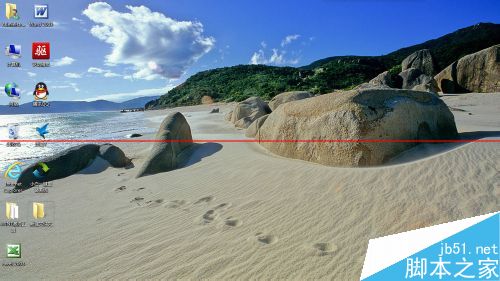
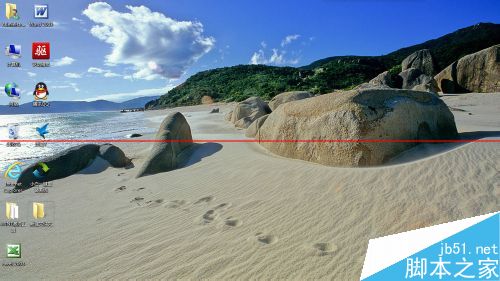
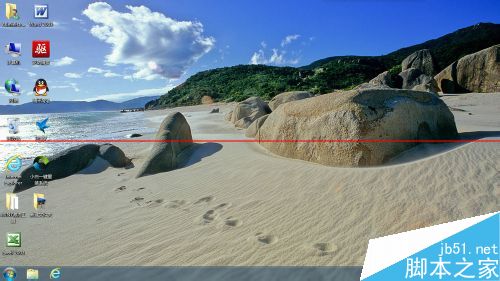
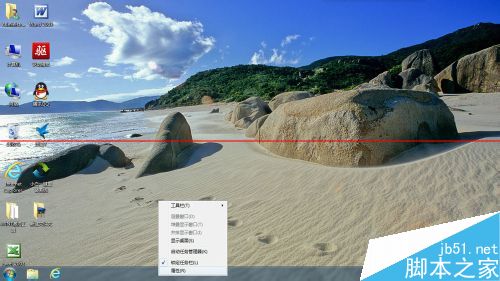
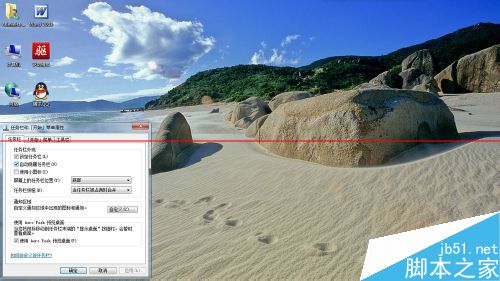
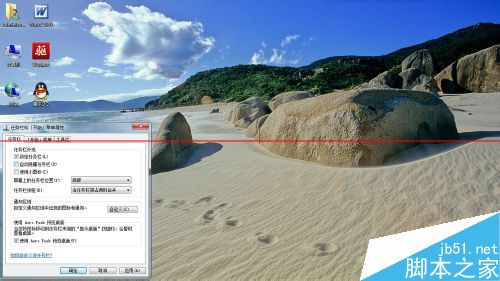
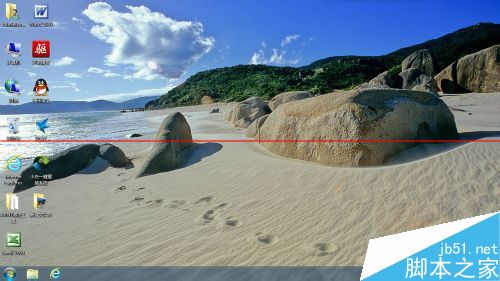
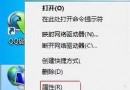
開機發現工作列消失,其實只是啟用了「自動隱藏」功能,滑鼠移至螢幕底緣即會浮現。這通常是誤觸設定或惡意程式竄改導致。以下步驟教你永久固定工作列。
設定完成後工作列即永久固定於桌面底部。同樣介面也可自訂工作列鎖定、圖示大小、通知區域圖示等選項。筆電與桌機通用。
Win7 滑鼠左右鍵功能互換怎麼解決?控制台設定法
Win7 調整工作列圖示大小:大/小圖示切換與預設值還原
XP 系統使用 FinalData 恢復硬碟資料完整教學(誤刪、格式化、分區遺失)
Win7 系統只有一個 C 槽該怎麼解決?
Win10 設定預設顯示圖示而非縮圖,舊電腦開啟圖片資料夾不再卡頓
Win10 系統字體正常但第三方軟體字體模糊?兩招快速解決
WinXP 裝置管理器空白無法管理硬體?Plug And Play 服務未啟動,一鍵修復教程
Windows 7 安裝印表機完整步驟:本機與網路印表機