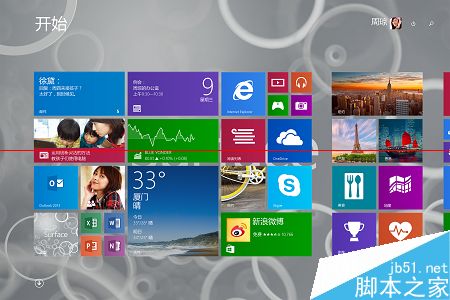
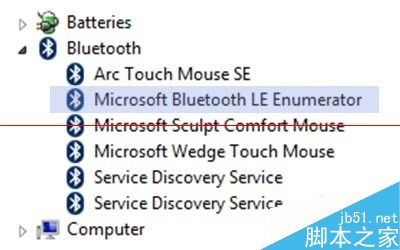
檢查 Win8 裝置是否支援藍牙 4.0 (Bluetooth Smart/低功耗藍牙):
配對方法:耳機長按多功能鍵進入紅藍閃爍配對模式 → 電腦藍牙搜尋對應型號 → 連線。
Win10 升級後沒聲音?針對 VIA、Realtek 聲卡的完整解決方案
微軟測試 Win10 Mobile 動態磚自訂大小拖曳調整功能
Win10 正式版升級後螢幕閃爍?完整解決教學與步驟圖解
WinXP、Win7、Win8 查看本機 IP 位址完整圖文教學
如何查看 Windows 10 內建應用大小?一招掌握佔用空間
WinXP正版驗證失敗黑屏/每小時黑屏一次?WGA移除腳本與註冊檔清理徹底解決
Win 10 出現「記憶體無法為 written」錯誤?三步驟修復登錄與系統檔案
Win7 開啟裝置管理員兩種快速方法