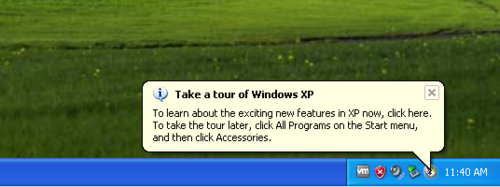
新安裝 XP 英文版啟動後,工作列右下角持續彈出「Take a tour of Windows XP」氣泡與安全中心紅盾警告。關閉方法:
關閉導覽氣泡
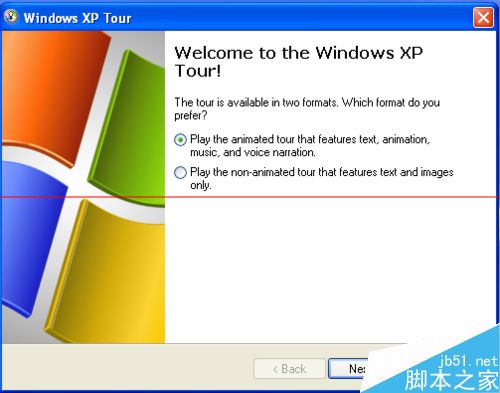
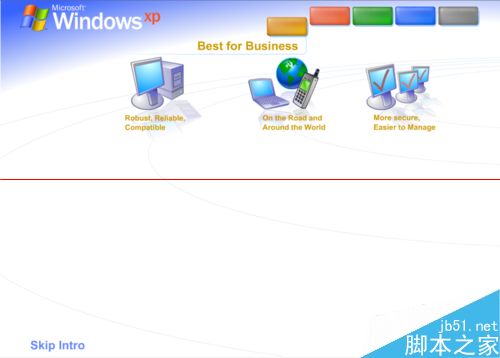
- 點擊氣泡 → 「Windows XP Tour」對話框 → 「Next」播放動畫 → 右下角紅叉關閉(或左下角「Skip Intro」跳過)。
關閉安全中心警告
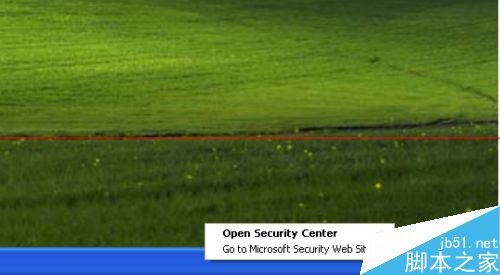
- 右鍵工作列紅盾 → 「Open Security Center」。
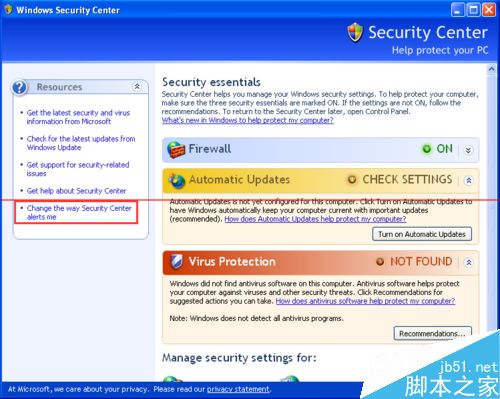
- 點擊「Change the way Security Center alerts me」。
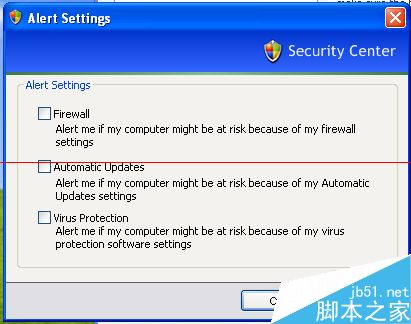
- 「Alert Settings」對話框 → 取消所有勾選項 → 「OK」儲存。
完成後系統啟動不再彈出干擾視窗,獲得乾淨桌面環境。