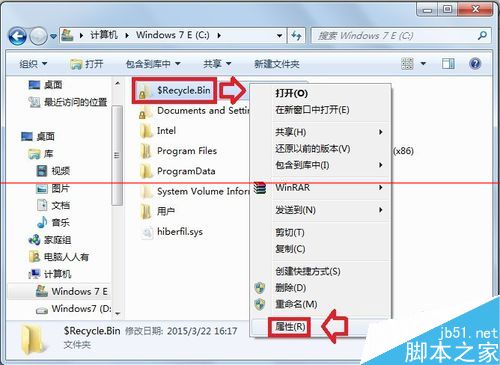
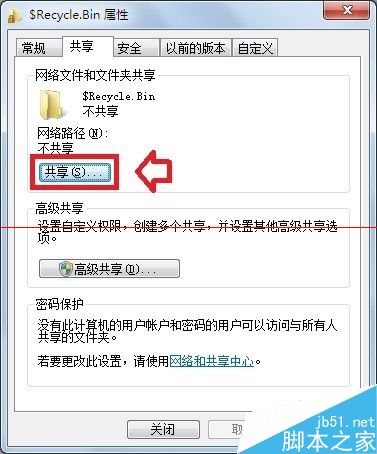
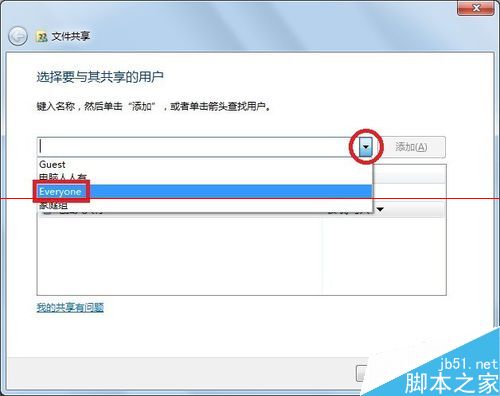
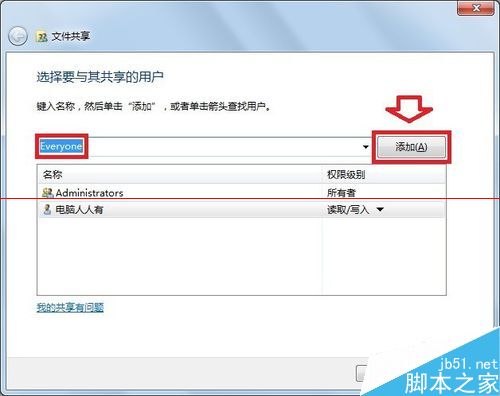
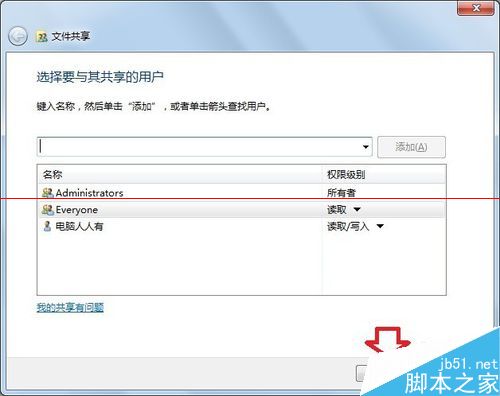
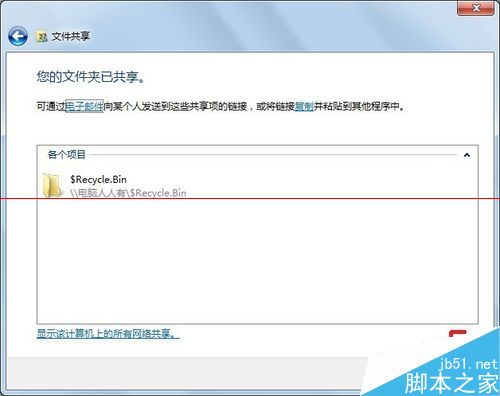
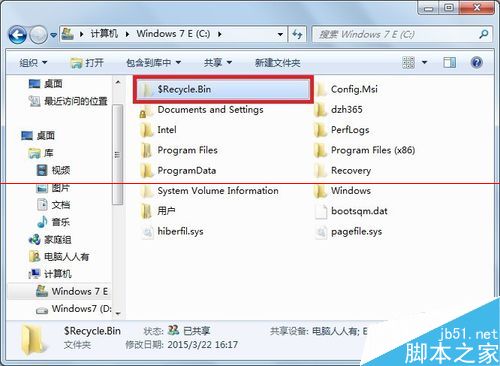
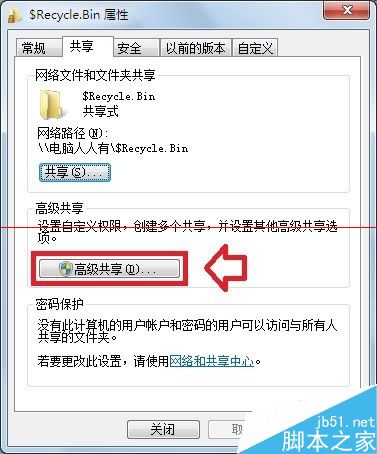
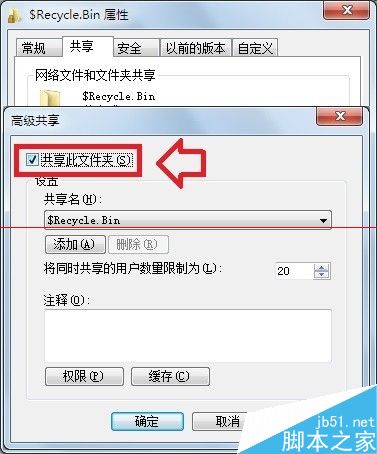
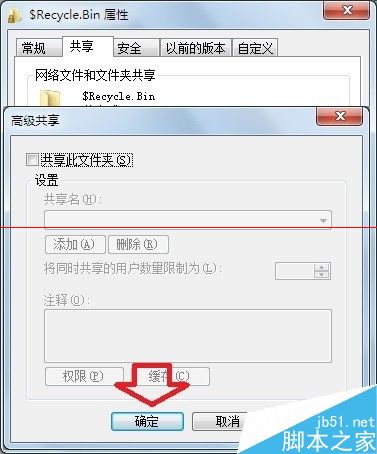
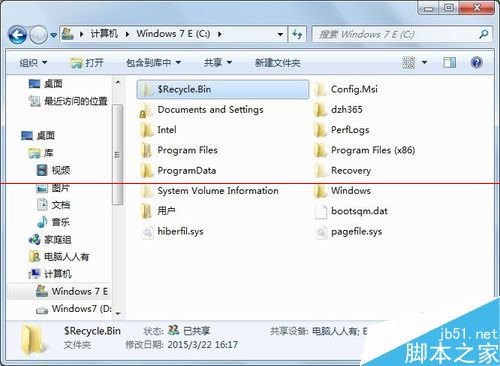
資料夾出現小黃鎖代表權限問題,透過共享設定即可移除:
透過暫時共享給 Everyone 再取消共享,即可重置權限移除小黃鎖,不影響資料安全。
Windows XP 桌面卡死不用強制關機:重啟 explorer.exe 三步驟搞定
Win8 右鍵 ISO 檔案找不到「掛載」選項?用「檔案總管」開啟即可自動掛載虛擬光碟
Windows 10 如何安裝國際象棋遊戲?完整教學與避坑指南
Windows 8 桌面建立網頁捷徑教學:一鍵直達常用網站
Win7 瀏覽器提示「伺服器安全憑證尚未生效」?多半是系統時間錯誤
Win7 手動變更檔案關聯預設開啟程式:預設程式控制台精確指定副檔名對應
Win10 RS1 14267 關機後啟動卡住?關閉快速啟動功能即可暫時解決
Windows 如何顯示 / 隱藏副檔名(檔案擴展名)?控制台設定教學