Win8 內建 ISO 掛載功能,但右鍵選單有時不顯示「掛載」(選單過長被截斷)。替代方案:
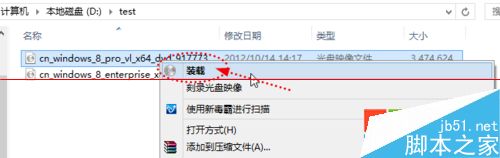
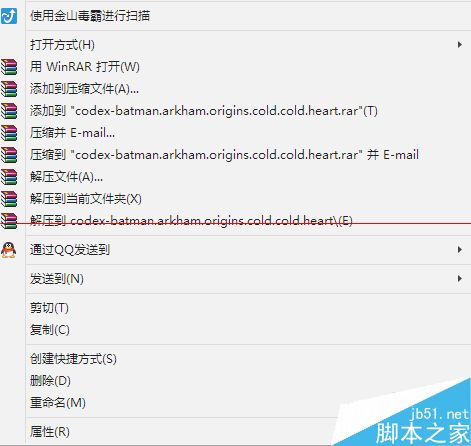
關鍵點:使用「Windows 檔案總管」開啟 ISO 檔案即可觸發內建掛載功能,無需第三方虛擬光碟軟體。
Windows 下讀取 Ext2/Ext3 及 ReiserFS 等 Linux 檔案系統
Win7 64位玩 LOL 頻繁彈出 "failed to create dump file error 183" 多種解決方案
DiskGenius 建立分區完整指南:主/延伸/邏輯分區、4K 對齊、GPT 屬性與無損分割現有分區
Win10 10122 官方已知問題匯總:AMD GPU 致 Edge 崩潰、升級卡 18%、Cortana 語音識別異常
Win7 睡眠/休眠不斷網設定:網卡電源管理「允許電腦關閉裝置」取消勾選