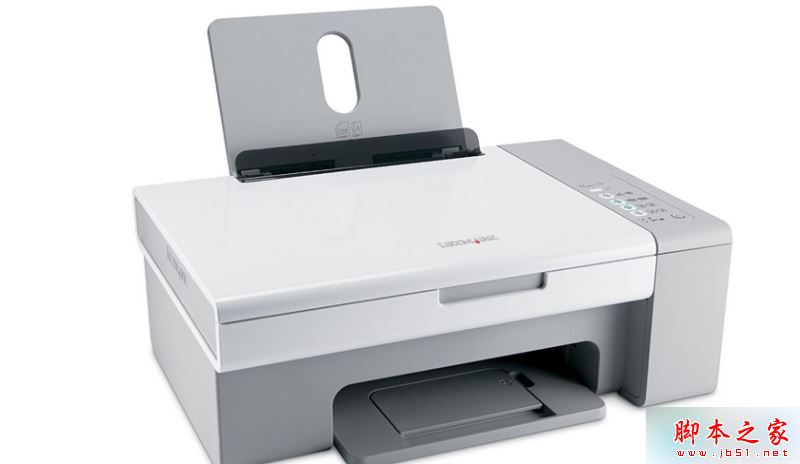
Win7 64 位元連網路印表機提示「無法識別」,常見四大原因:網路位置設為公用、防火牆開啟、Ghost 精簡版缺服務、路由器隔離設定。提供對應解法。
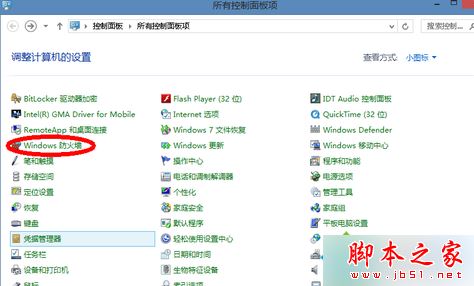
依實際情況逐項排查,通常能解決網路印表機識別問題。更多列印疑難雜症請關注本站!
Win7 藍牙被停用怎麼辦?透過 msconfig 管理開機啟動項恢復藍牙服務
Win8 寬帶連線錯誤 720「無法建立遠端電腦連線」兩大成因與解決辦法
Win10 10122 強制微軟賬號登錄?兩招破解建立本地賬號
Windows 10 / WP 開發者免費申請 Xamarin 跨平台工具訂閱(8/31 截止)
關閉 Windows 開機自動檢測硬碟 (chkdsk) 兩大法
Win10 14971 已修復與已知問題彙總:Edge 修復、鍵盤快捷鍵、磁碟清理、翻譯改進、Holographic Shell 首秀
微軟釋出 Win10 Build 10130 工作列彈出視窗修補程式,同步修復郵件應用崩潰
Windows 8.1 收不到 Windows 10 免費升級圖示?檢查 KB3035583 更新並手動觸發 GWX 程序