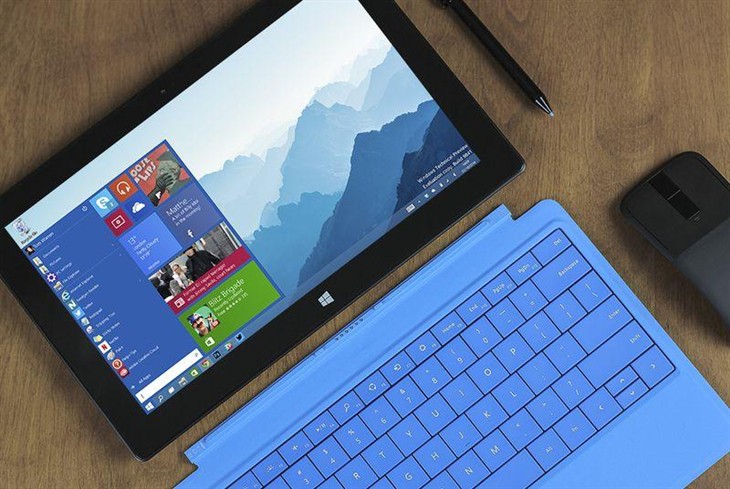
WPC 2015 公布 Win10 正式釋出詳情,7/29 當天多數粉絲將守候升級。為助小白用戶順利升級,整理完整指南涵蓋升級政策、方法、升級後常見問題。
版本對應規則:
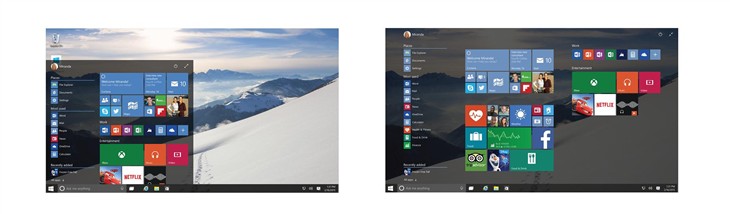
以上資訊供參考,真實狀況請以 7/29 正式推送為準。
Win10 安裝 Telnet 報錯 0x80071A30?兩招修復系統檔案或改用 Store 版 Telnet
Win10 Windows Update 現蹤 TH2/RS1 更新分支選項:部分用戶可在進階設定見 RedStone RS1 快速通道
Windows 7 使用 SFC 掃描修復系統檔案:指令 sfc /scannow 完整操作教學
Win10 技術預覽版 Build 9880 曝光:即將推送給 Insider 會員
微軟啟動 Windows 10 免費升級倒數計時:7 月 29 日截止
32 位元 vs 64 位元 Windows 深度解析:記憶體定址、效能、相容性與選擇建議
VMware Player 安裝 Windows 7 虛擬機完整圖文教學 (含 VMware Player 12 下載)