Windows XP Windows 7 Windows 2003 Windows Vista Windows 綜合教學 Linux 系統教學
Windows 10 Windows 8 Windows 2008 Windows NT Windows Server 電腦軟體教學
您现在的位置: Windows教程網 >> Windows教程 >  >> Windows 綜合教學 >> 關於 Windows

Win10 安裝 Telnet 報錯 0x80071A30?兩招修復系統檔案或改用 Store 版 Telnet

編輯:關於 Windows

Win10「開啟或關閉 Windows 功能」安裝 Telnet 用戶端時出現 0x80071A30 錯誤,通常因 Windows Installer 服務異常或系統元件存儲損毀。提供兩種解法:

方法一:修復系統檔案與 Installer 服務

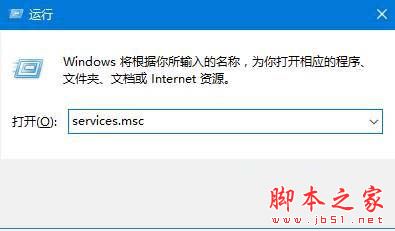
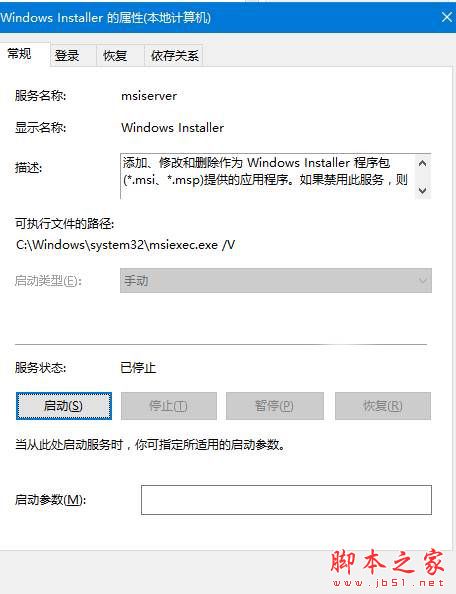
  1. Win + R → services.msc → 確認 Windows Installer 服務狀態為「執行中」,啟動類型「手動/自動」。
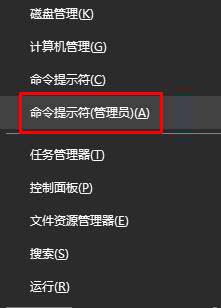
  2. Win + X → 命令提示字元 (系統管理員)。
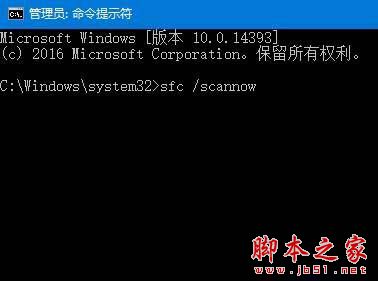
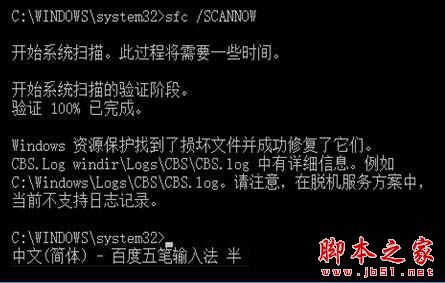
  3. 執行 sfc /scannow 等待掃描修復完成。
  4. 重新開機後再嘗試安裝 Telnet。

方法二:從 Microsoft Store 安裝 Telnet 用戶端(更簡單)

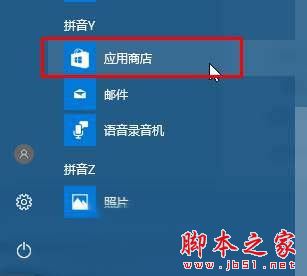
  1. 開啟 Microsoft Store。
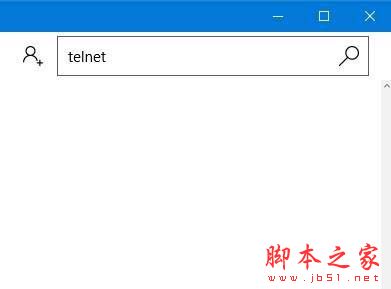
  2. 搜尋 Telnet,選擇官方發布的 Telnet Client 安裝。
  3. 安裝完成即可在 CMD/PowerShell 直接使用 telnet 指令。

Store 版為獨立 UWP 封裝,不依賴 Windows 功能元件存儲,避開 0x80071A30 錯誤。
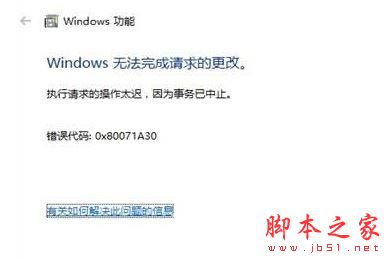
Telnet 安裝錯誤 0x80071A30

服務管理員 Windows Installer

Windows Installer 服務屬性

管理員 CMD 執行 sfc

sfc /scannow 掃描中

sfc 修復完成

Microsoft Store 搜尋 Telnet

Store 安裝 Telnet Client

Copyright © Windows教程網 All Rights Reserved