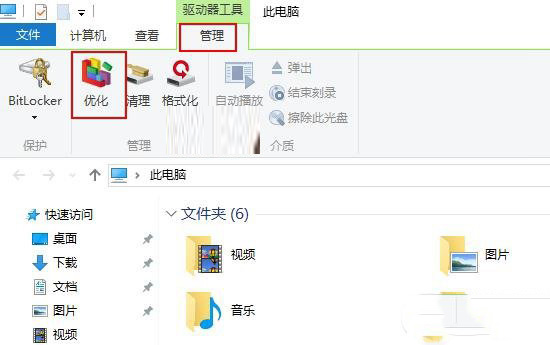
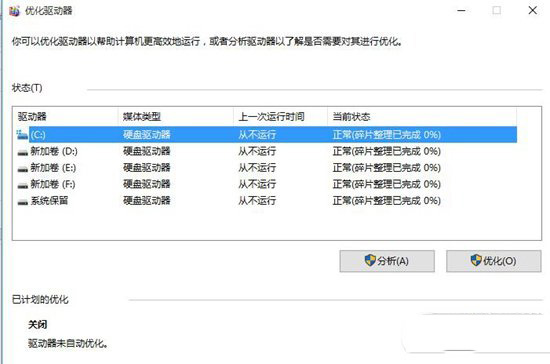
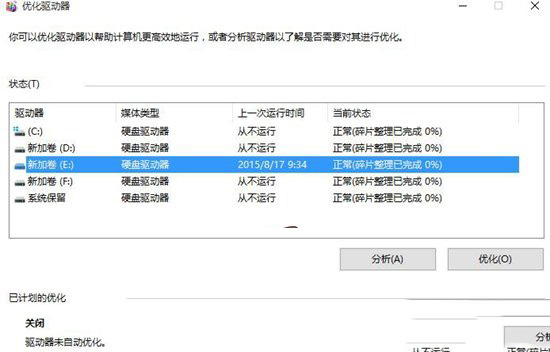
Win10 內建「最佳化磁碟機」工具(原磁碟重組),位置與操作如下:
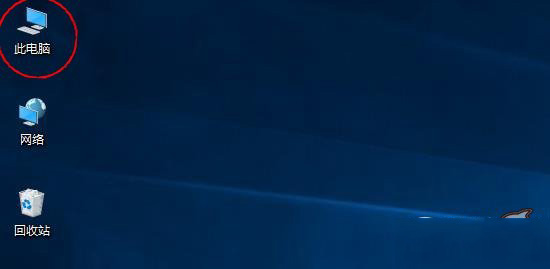
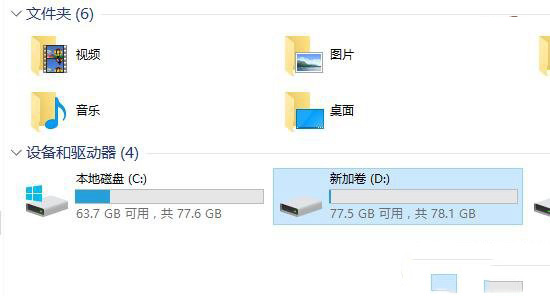
Win10 關閉 UAC 使用者帳戶控制完整圖文教程:控制台→操作中心→更改設定→拉至最底
提升區域網路環境下 IE 瀏覽器啟動速度:關閉「自動偵測設定」
Win10 系統崩潰怎麼辦?「重置這台電腦」保留檔案/全新安裝兩大選項完整教學
32 位元 Win7/Win8 免費升級 64 位元 Win10 完整實作:官方 Media Creation Tool 製作安裝碟乾淨安裝
Win10 週年更新 14393.5 更新內容完整彙總:7 項 Bug 修正與穩定度優化
Win10 TH2 非作用中視窗標題列變色教學:註冊表新增 AccentColorInactive 實現區分度