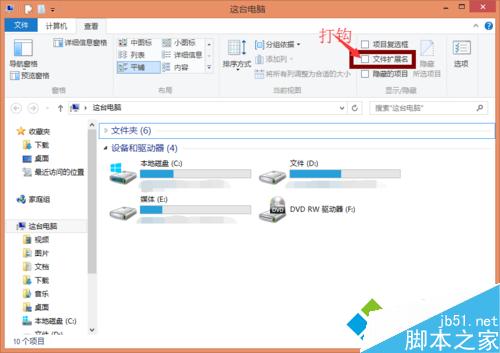
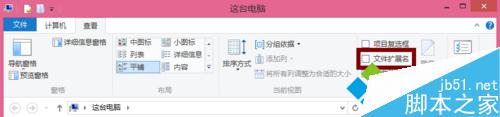
Win8 檔案總管直接提供切換:
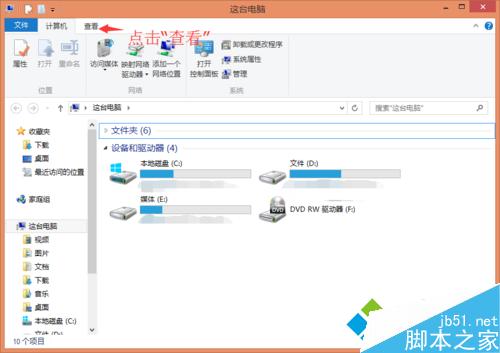
Win10 桌面背景不顯示(變黑色)解決方法:開啟「顯示 Windows 背景」選項
Win10 10565 UI 细节优化:任务栏通知区图标统一极简白色线条风格
Windows 7 啟用 3D 視窗切換效果 (Flip 3D) 教學:建立 Rundll32.exe 捷徑一鍵呼叫
Win7 64 位元執行程式提示 MSCOMCTL.OCX 遺失?複製至 SysWOW64 並註冊修復
Win8 升級 8.1 後 C 槽暴漲 清理舊系統檔案瘦身術
Win10 怎麼升級?Win10 升級指南:不同裝置升級策略全解析