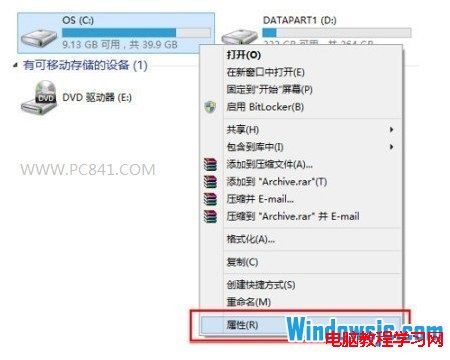
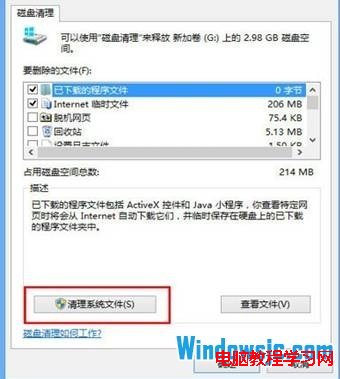
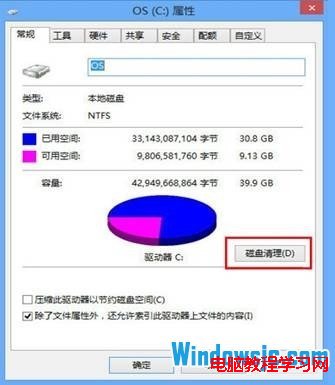
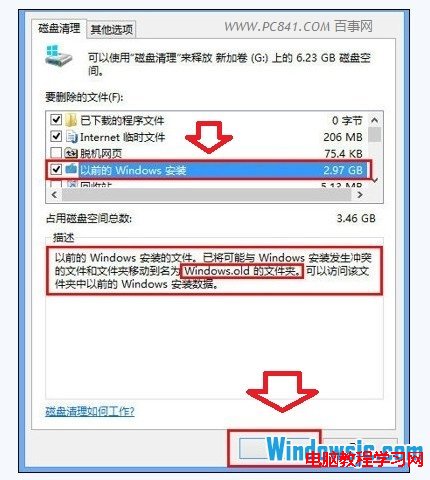
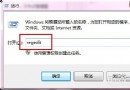
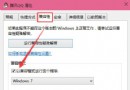
透過上述操作即可刪除 Win8 升級 8.1 後產生的最大垃圾檔案,釋放大量 C 槽空間。
Windows 7 開機跳出 wanADT.exe 系統錯誤?刪除刷機工具殘留檔案並註冊 AdbWinApi.dll 解決
Win10 CMD 命令提示字元編輯/選取/歷史/搜尋快速鍵完整表
Windows 8 修改應用商店預設安裝位置至其他分區
Win7/Win8.1 雙系統安裝 Win10 TH2 正式版圖文教程:硬盤與 USB 兩大法詳解
Win10 家庭版用戶可能被迫強制安裝系統更新,無法延遲
善用 Windows 內建搜尋依大小篩選清理大檔案:無需第三方工具釋放磁碟空間
Win7/Win8.1 預約 Win10 免費升級完整教學與注意事項
Win10 右鍵選單彈出緩慢?清理 ContextMenuHandlers 註冊表項立即加速