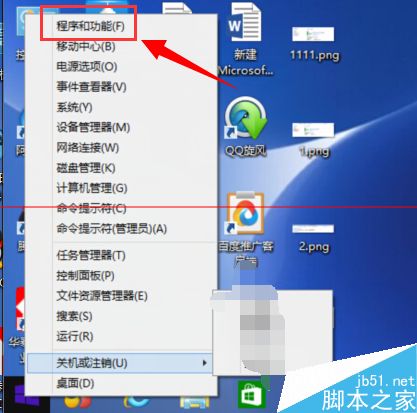
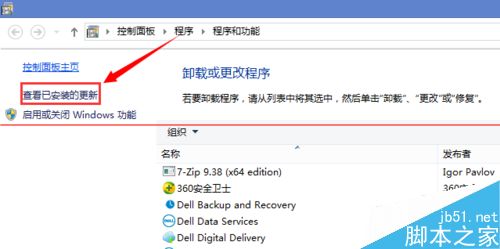
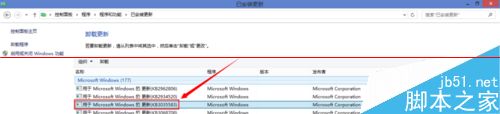
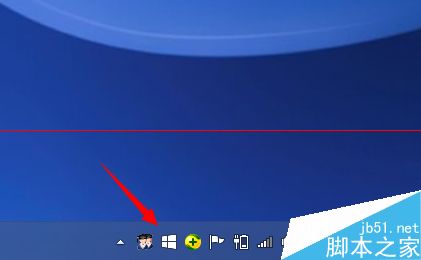
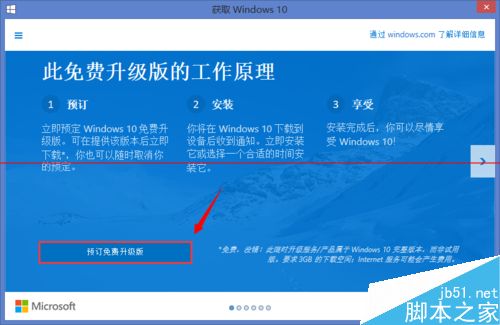
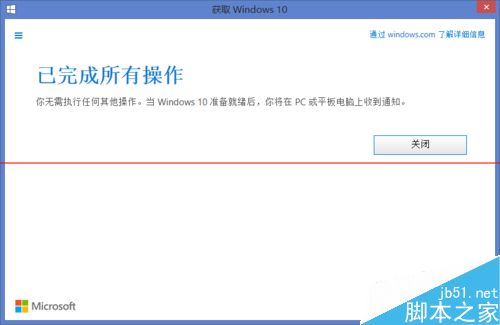
現可預約 Win10 升級服務,7 月 29 日透過「取得 Windows 10」App 升級。
確保 Windows Update 啟用且聯網,即可順利預約。
Windows Vista 隱藏網上鄰居工作站:關閉網路探索功能圖文教學
解決關閉 IE 瀏覽器時出現錯誤報告的問題
Windows XP 工作列變雙層怎麼辦?三步驟快速還原單列顯示
Windows 8.1 移除「Secure Boot 未正確配置」水印:BIOS 兩大模式完整設定教學
Windows 7 燒錄光碟讀不到光碟機「請插入光碟」 重裝光碟機驅動程式解決
Win 10 Edge 瀏覽器開發平台將迎來大量新特性:CSS 偽類、表單元素、WebRTC 等
騰訊電腦管家 Windows 10 升級助手下載安裝教程
Win7 系統自動靜音怎麼辦?三大常見原因與解決方案