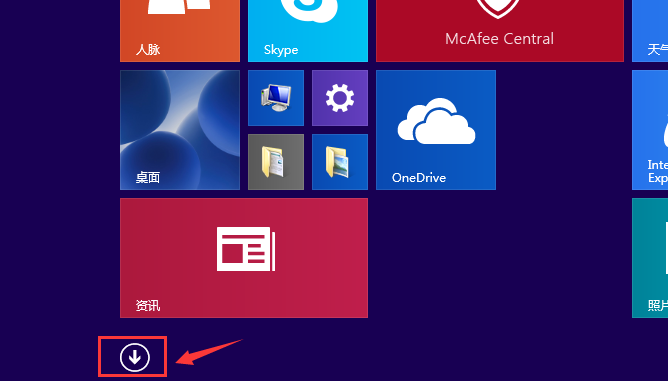
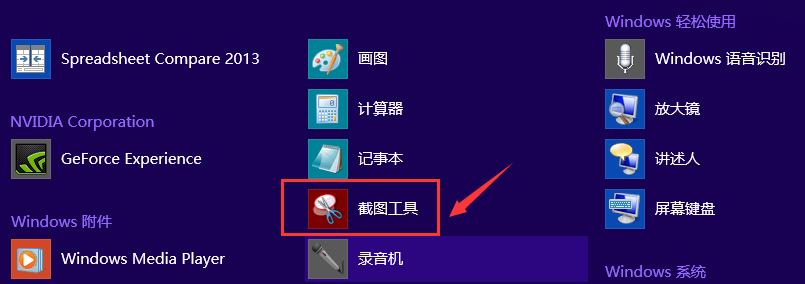
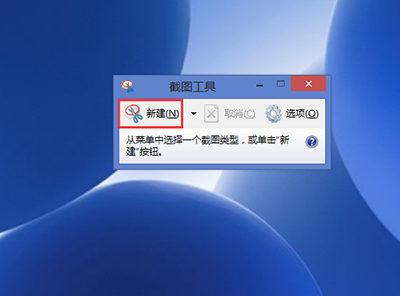
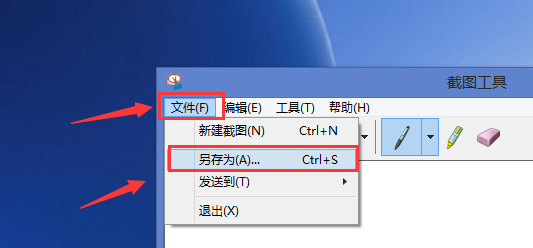
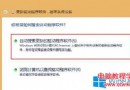
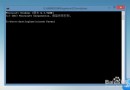
Win8 內建截圖工具免安裝第三方軟體即可擷取螢幕畫面,操作簡單:
內建工具輕量好用,滿足基本截圖需求。
Windows Server 2016 Technical Preview 3 Build 10514 映像檔外洩,提供下載連結
Win7 IE 瀏覽器開網頁緩慢?六大排查方向與解決方案
Win10 群組原則禁止使用者手動檢查更新(Build 14931+)
Windows 7 同步中心徹底關閉教學:登錄檔刪除 SQL Server 相關處理常式
Win10 免費升級倒數:市佔率高速增長,9-10 月有望追平 Win7
Win10 快速切換桌面兩大法:工作列按鈕與 Win+D 快捷鍵
Win 10 如何刪除微軟拼音輸入法?兩種方法圖文教學
Windows 10 官方中文頁面上線 確認免費升級政策與企業版例外