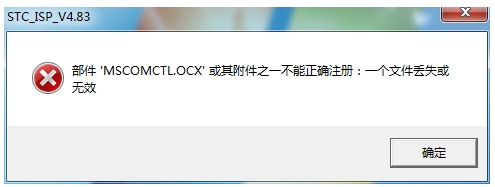
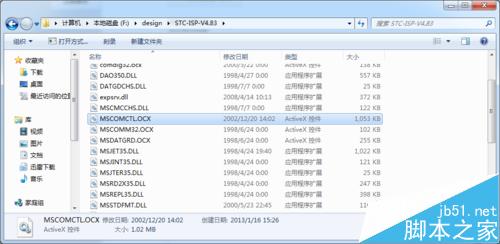
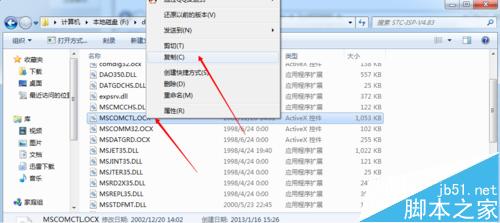
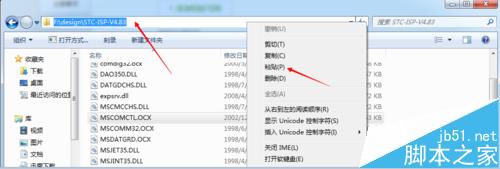
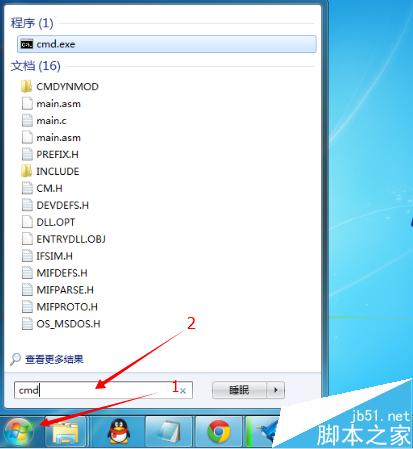
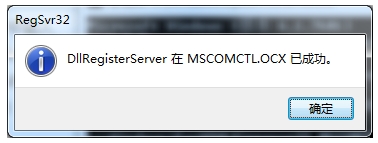
Win7 64 位元執行舊程式跳出 MSCOMCTL.OCX 遺失或無效,解決步驟:
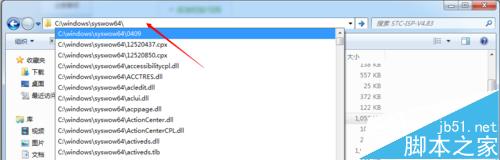
C:\Windows\SysWOW64\
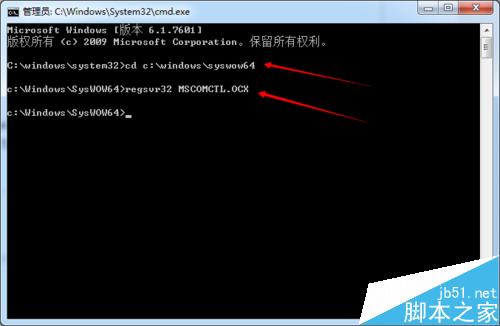
cd C:\Windows\SysWOW64
regsvr32 MSCOMCTL.OCX
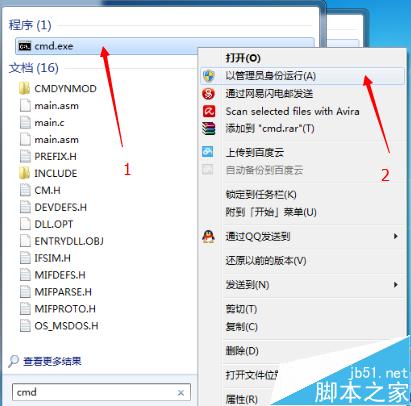
關鍵: 必須以系統管理員權限執行 regsvr32,且 64 位元系統須放入 SysWOW64 而非 System32。
Win7 印表機安裝失敗?啟用 Print Spooler 服務 + 控制台手動新增印表機完整解法
Win10 自带纸牌游戏植入内购:去广告需月付 1.99 美元订阅豪华版
官方確認:盜版 Win7/8.1 無法免費升級 Win10,升級過程中檢測到盜版將中斷
Win10《郵件和行事曆》17.6118.42001.0 更新釋出:修正同步問題為主
Windows 7 磁碟加密保護資料:BitLocker 完整啟用教學
Windows 任務列通知區域圖示消失如何修復?刪除登錄機碼並重新啟動總管程序
微軟向 OEM 廠商傳授 Win10 行銷策略:針對消費者、中小企、大企業三大客群差異化話術
Windows 10 導入 UUP 統一更新平台:降低處理器負載、縮小更新封裝、行動裝置更新更流暢