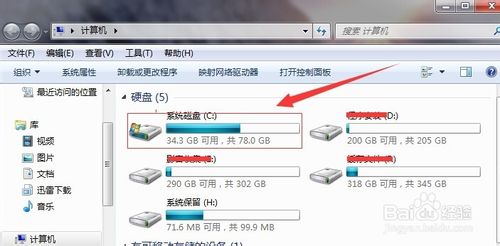
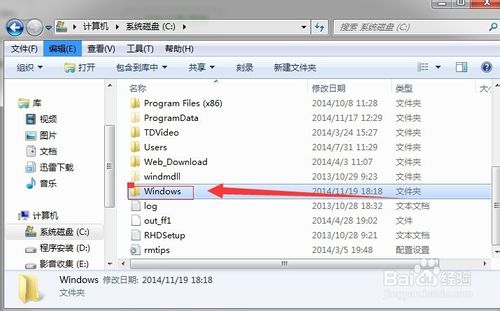
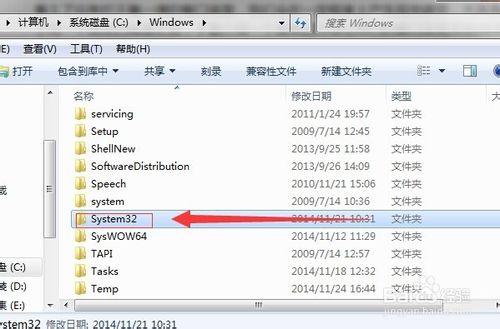
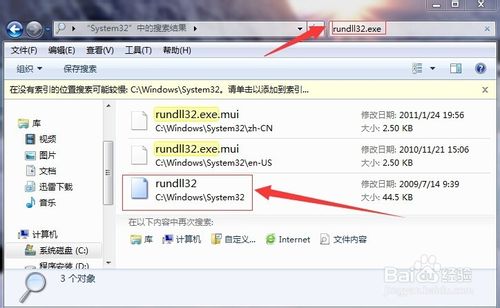
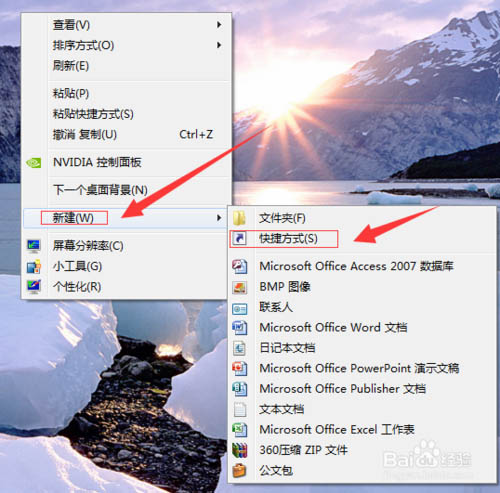
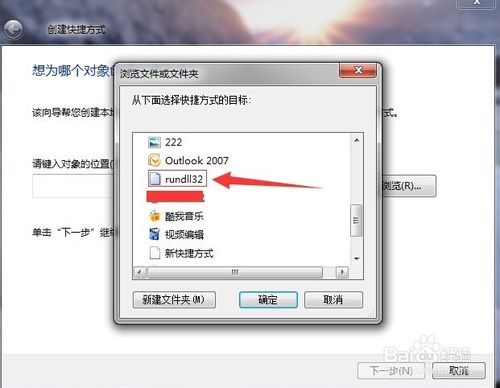
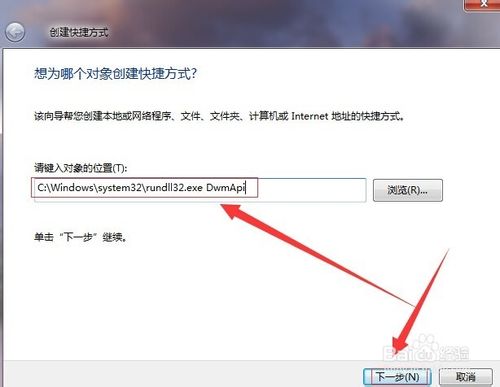
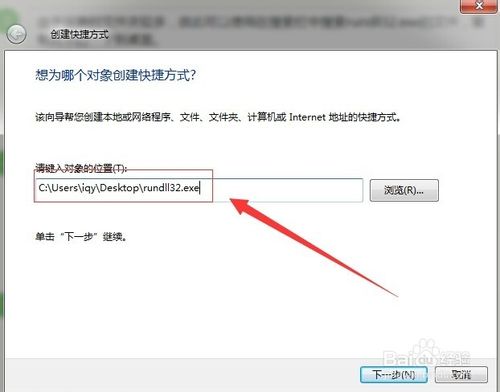
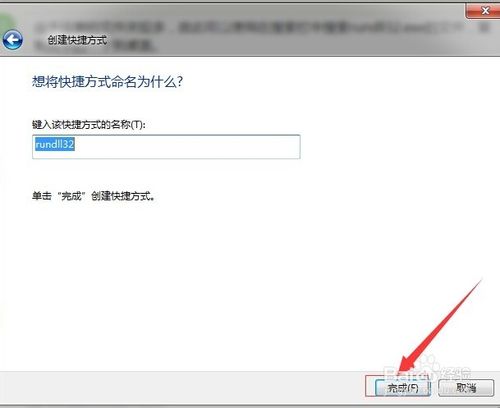
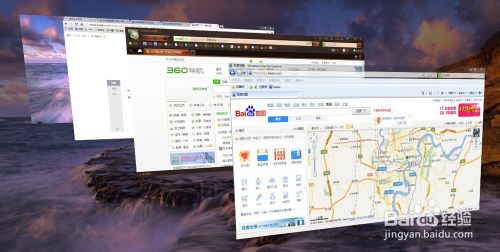
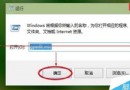
Windows 7 內建 3D 視窗切換 (Flip 3D),透過 Win + Tab 即可體驗。若想建立桌面捷徑一鍵啟動,可參考以下步驟:
C:\Windows\System32
rundll32.exe
C:\Windows\System32\rundll32.exe DwmApi #105
此為視覺特效,不影響系統效能。若覺得華麗不實用,直接使用 Win + Tab 即可。
Windows 7 徹底關閉「更新完成需重新啟動」彈窗:群組原則設定一次解決
Windows 7 無法開啟網頁提示離線狀態 解決分級審查與登錄修復
Win10清空回收站后如何恢复文件?注册表重建回收站命名空间找回数据
Win10 預覽版查詢電腦基本資訊教學:設定介面查看裝置規格、版本、編碼
Win7 鍵盤 Alt 鍵十大實用快捷鍵:關閉程式、切換視窗、截圖、屬性一鍵搞定
Windows 10 呼聲最高需求:免費升級,微軟或讓 Win8.1 用戶零成本換新
Windows 10 預覽版安裝與升級常用方法圖文教學:ISO 掛載原地升級、保留檔案/應用彈性選擇
Win7 休眠喚醒斷網解決:網卡電源管理「允許關閉裝置」導致連線中斷