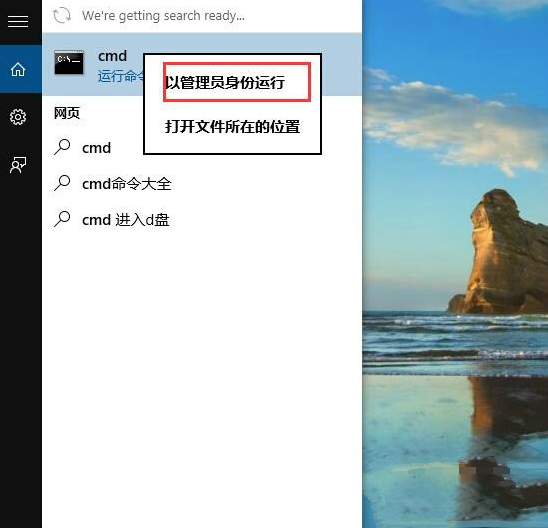
Win10 遊戲中無法輸入中文,常因微軟拼音輸入法衝突,解決方法:
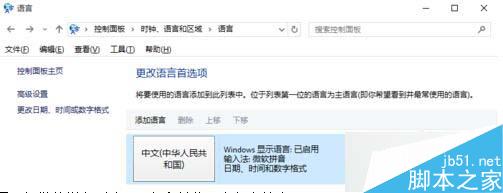
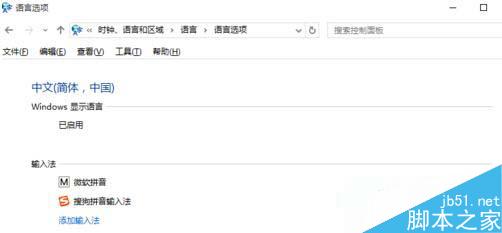
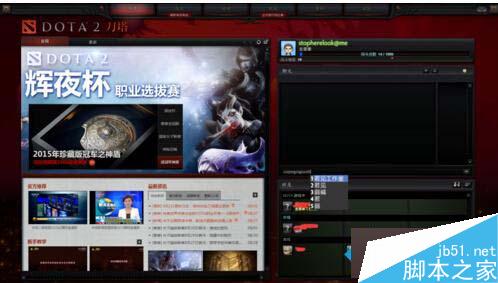
簡單調整輸入法優先順序即可恢復遊戲中文輸入。
騰訊電腦管家免費升級 Win10 完整圖文教學(含下載連結)
Windows 10 對決 Windows 8 實測:綜合效能無優勢,DirectX 12 為遊戲關鍵突破點
Win10 透過 bcdedit 恢復 F8 進入安全模式選單
Win10 Mobile 10536.1004 上手體驗:系統更流暢、鎖屏延遲修復、單手模式全機型支援
Win10 應用程式商店與內建 App 閃退最新解法:啟用 Windows License Manager Service 並設為自動
解決 Windows Update 錯誤 80070002:官方建議三步驟修復