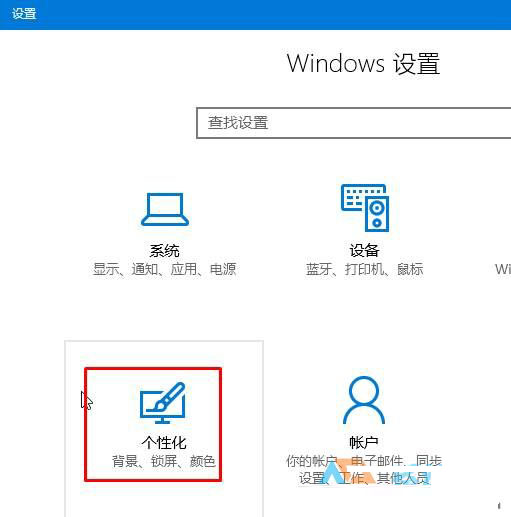
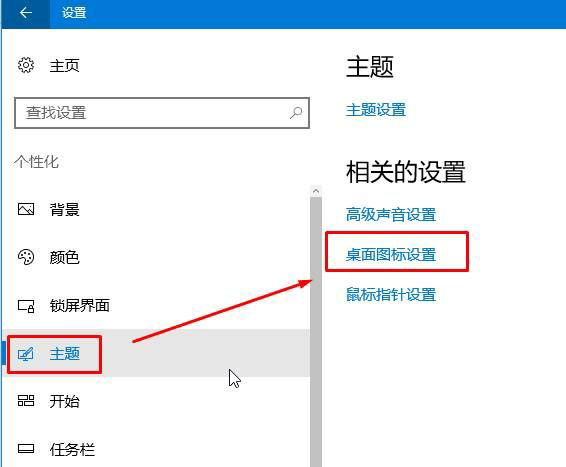
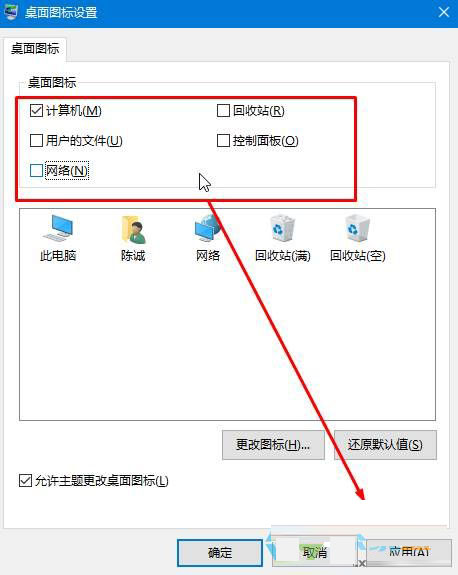
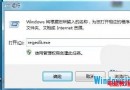
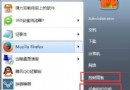
Win10 桌面預設不顯示「此電腦」、「回收桶」、「控制台」等系統圖示。以下教您快速自訂桌面圖示顯示狀態。
設定即時生效,無需重開機。
Windows 8/8.1 一鍵隱藏桌面所有圖示,打造極簡乾淨桌面
Windows 10 快速鍵大全:經典保留與全新功能完整圖解
Win10 不裝第三方工具,用指令快速查詢產品金鑰類型
使用 Windows 7 內建 BitLocker 為 USB 隨身碟加密保護資料
Windows 10 壓縮檔無法開啟?安裝解壓縮軟體即可解決
Win10 Build 9860 現神秘「zPC Setting」彩蛋,含 OEM、Deprecated 等調侃選項
Win7 一鍵關機快捷鍵製作教程:告別繁瑣點擊
Windows 7/8.1 升級 Windows 10 重開機後「遺失作業系統」解決方案:SSD 相容性問題