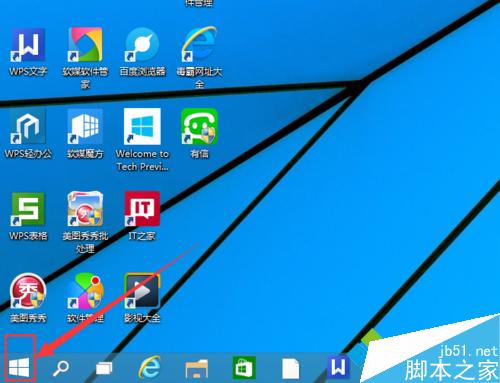
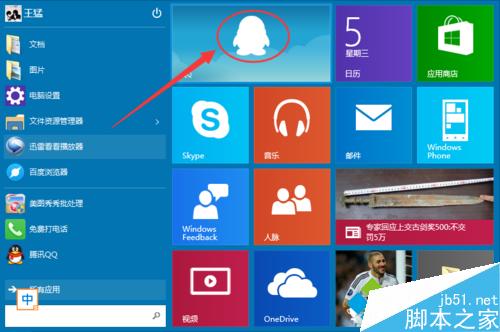
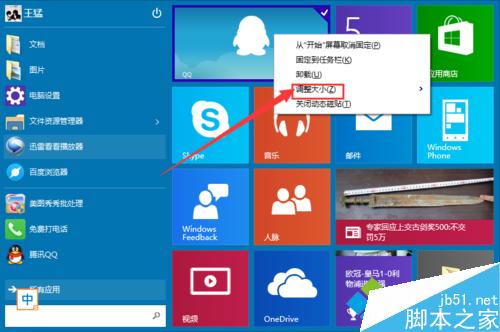
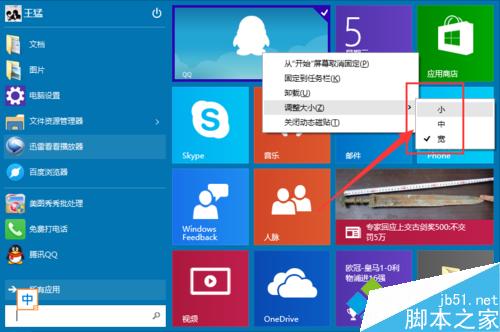
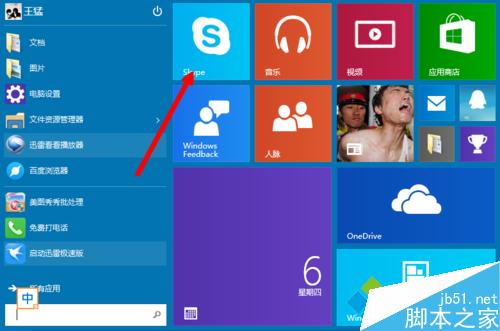
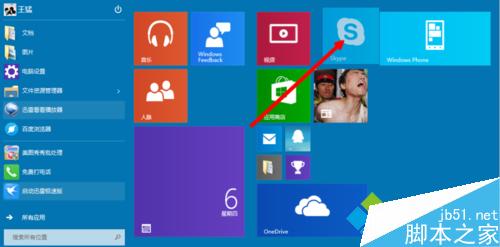
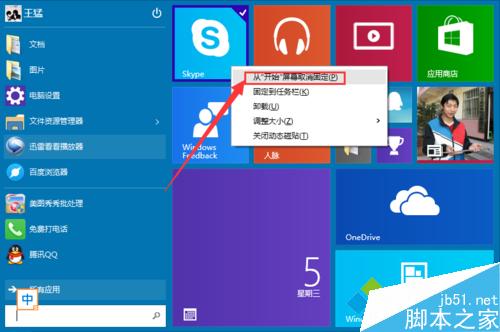
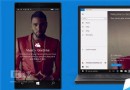
Win10 開始功能表磚塊自訂三大操作:
直覺操作即可打造專屬開始功能表。
Windows 8.1 專業版 64 位開啟 IIS 服務完整步驟教學
Win8/8.1 直接升級 Win10 技術預覽版完整圖文教學
Win7 硬盤指示燈狂閃?三大「硬盤殺手」服務一鍵禁用
Windows 7 關閉自動更新完成後強制重啟提示:群組原則設定教學
Win10 如何新增使用者?設定→帳戶→家庭與其他使用者→新增本地帳號或 Microsoft 帳號完整教學
Win10 正式版如何設定麥克風 (語音辨識)?Windows Hello 語音設定教學
Win8 企業版插入 Windows To Go 隨身碟不顯示?磁碟管理指派磁碟機代號解決
Windows 10 鬧鐘與時鐘應用程式批次刪除鬧鐘