Win10 移除開機按 F8 進入安全模式,改用系統設定工具 msconfig 設定啟動參數。
msconfig → 確定。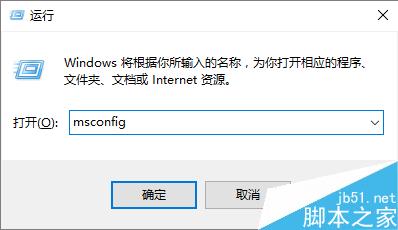
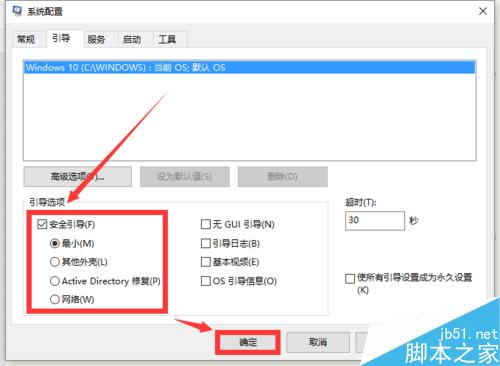
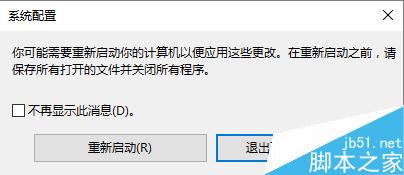
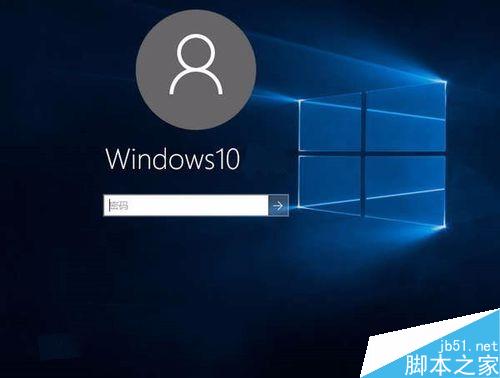
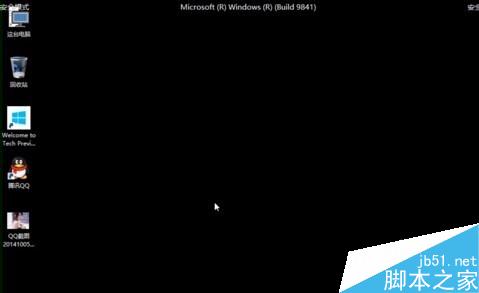

補充:若需網路支援,步驟 2 選「網路」而非「最小」;若需命令提示字元,可在安全模式下再執行 cmd。
Windows 10 KB3074681 補丁導致檔案總管崩潰 解決與替代方案
Windows 8/8.1 如何取消開機鎖定畫面?直接進入登入介面加快開機速度
Windows 8 一鍵關機捷徑建立教學:桌面捷徑釘選工作列/開始畫面,避開 Charms 列繁瑣操作
Win10 預覽版 10565 官方 ISO 鏡像下載彙總 (32/64 位)
Win7 開機顯示 0xC0000428 錯誤?使用安裝光碟修復教學
Windows 10 已支援多顯示卡 SLI 與 CrossFire 交火技術
Windows 7 小工具 (Gadgets) 重返 Windows 10:Gadgetarian 安裝完整教學與 DPI 修復