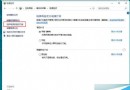
Win10 檔案總管的「功能區」位於網址列上方,提供圖形化操作介面。若功能區被最小化,可透過以下三種方法永遠顯示。
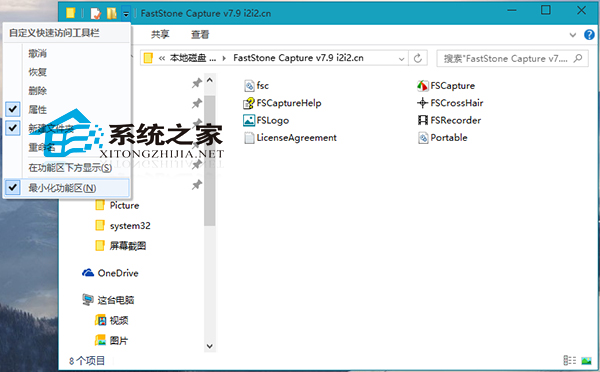
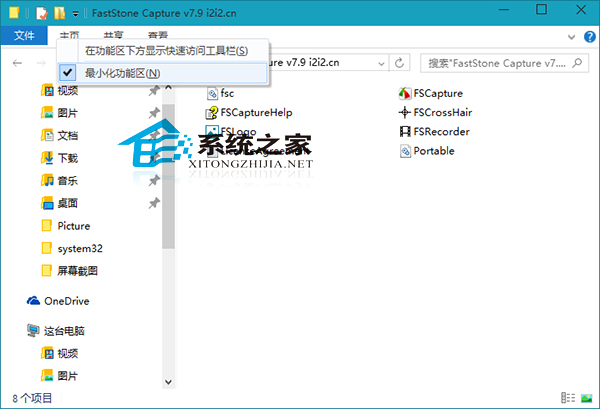
點開快速存取工具列選單,取消勾選「最小化功能區」。
在功能區空白處右鍵,同樣取消勾選「最小化功能區」。
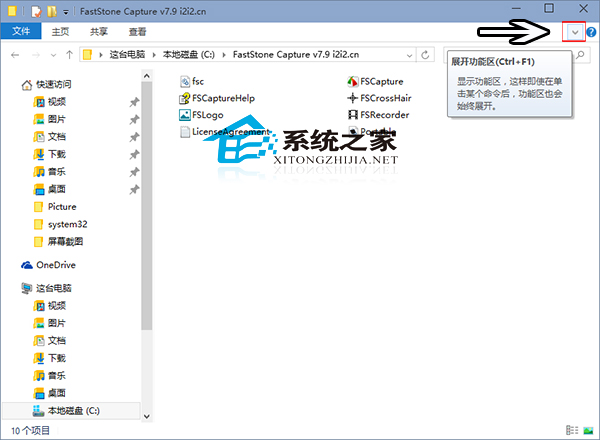
點擊功能區右側「展開功能區」按鈕(向下箭頭圖示)。
提醒:功能區佔用螢幕空間較大,小尺寸筆記型電腦建議需要時點擊索引標籤展開即可。
Windows 32 位元 vs 64 位元:記憶體支援上限完整解析
系統變慢、C 盤空間不足?批次檔清理暫存檔 + 專業清理工具 + 軟體遷移非系統盤
Win7 以「捷徑方式」安裝字型,避免 C 槽空間被佔滿
Win10 Cortana 興趣功能無法使用?代理設定導致無法聯網完整解決法
Win10 Build 10061 英文版 ESD 官方下載連結(需解密金鑰)
OneDrive 新功能:共享資料夾直接同步到本機,Win10/Win7/Win8/macOS 支援,Win8.1 缺席
Win7 如何查看顯示卡型號?兩種內建工具快速檢視教學
Win10 10525 更新內容匯總:標題列配色跟隨主題色 + 記憶體壓縮存儲