從 360 軟體管家安裝 Windows Live Mail (WLM) 14.0 版(Build 8064)後啟動報錯 0x80040154(類別未註冊),主因版本過舊與 Win7 不相容。解決之道:下載官方 Windows Live Essentials 2012 (16.4.3508.0205) 線上安裝程式 wlsetup-all.exe,選擇僅更新/安裝「郵件」元件,即可修復並正常使用。
問題重現
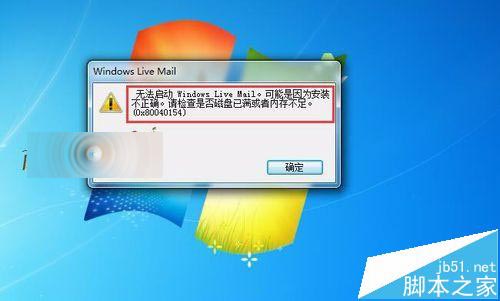
- 安裝完成後啟動 WLM → 彈出「無法啟動 Windows Live Mail,可能安裝不正確... (0x80040154)」。
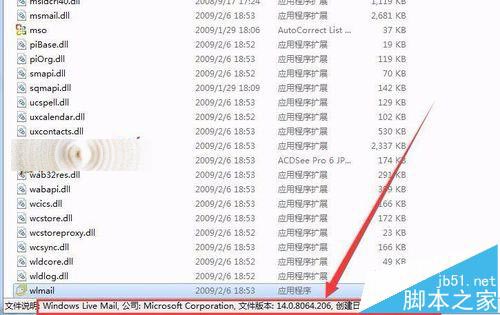
- 檔案屬性顯示版本 14.0.8064.206,非最新版。
解決步驟
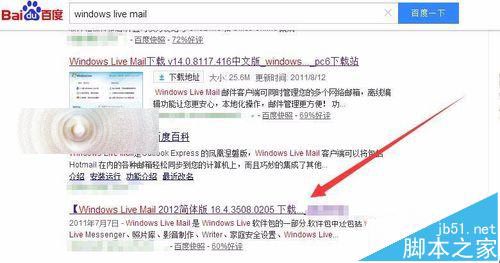
- 瀏覽器搜尋「Windows Live Mail 2012 下載」或直接至 Microsoft 官方存檔頁面獲取
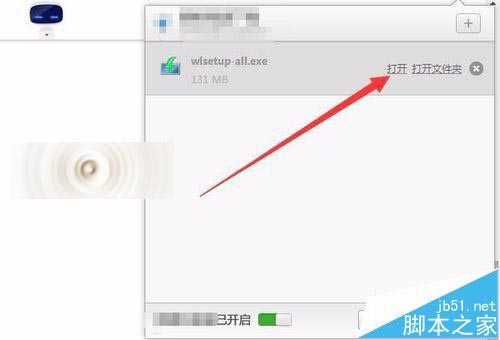
wlsetup-all.exe(約 1.2 GB 線上安裝程式)。
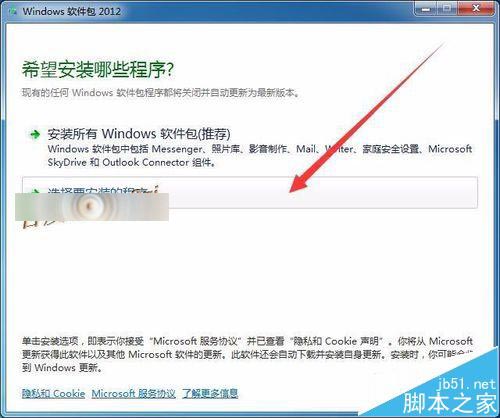
- 執行安裝程式 → 選擇 「選擇要安裝的程式」。
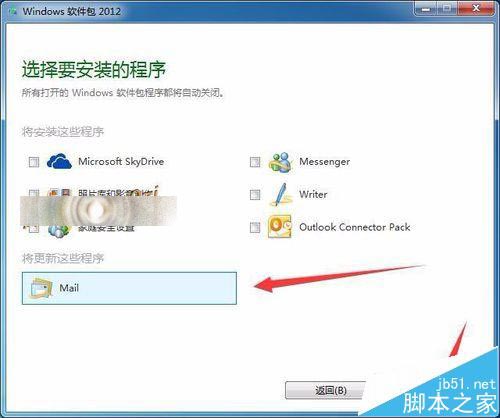
- 在元件清單中,僅勾選 「郵件」(若已安裝舊版會顯示「更新」) → 「安裝」。
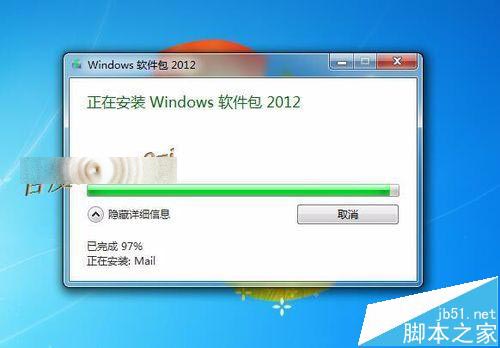
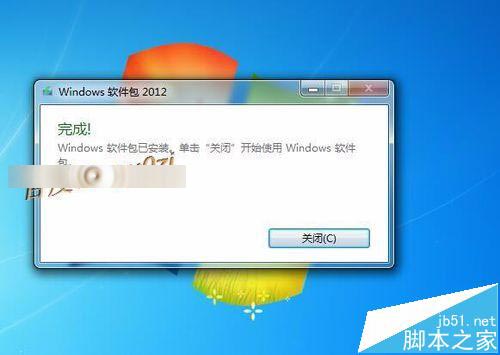
- 等待下載與安裝完成 → 「關閉」。
驗證成果
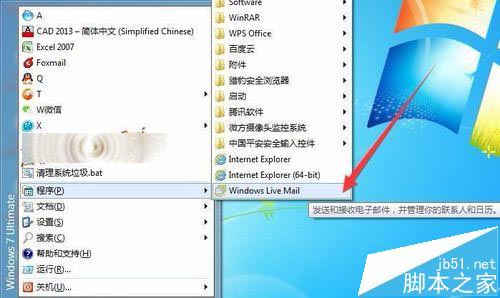
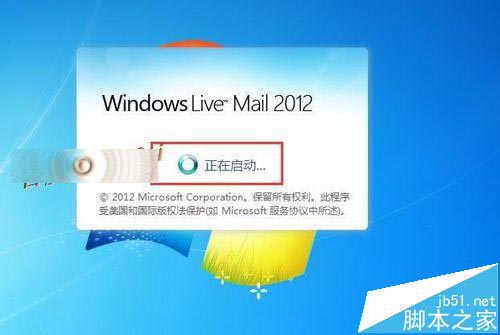
- 開始選單啟動「Windows Live Mail」。
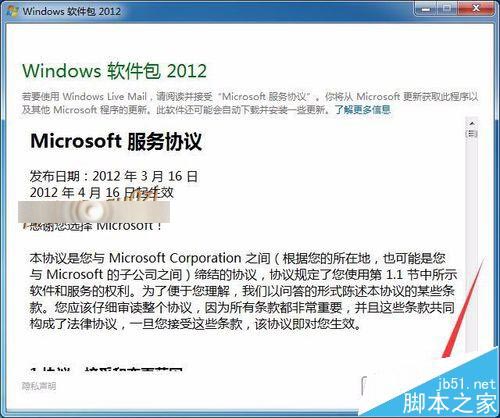
- 接受「Microsoft 服務協議」。
- 成功進入主介面,收發郵件正常,錯誤 0x80040154 徹底消失。
補充說明
- Windows Live Essentials 2012 為最後一版,包含郵件、相簿、Movie Maker、Writer、Mesh 等。官方下載頁已下線,需從可信第三方封存站(如 Internet Archive、MajorGeeks)獲取。
- Win10/Win11 同樣適用,但建議改用現代郵件用戶端(Outlook、Thunderbird、Mailbird、eM Client),支援 OAuth2、更佳相容性與安全性。
- 若仍報錯,嘗試以管理員身分執行
regsvr32 msxml3.dll、regsvr32 msxml6.dll 重新註冊 XML 解析器。