Windows 7 開機出現「檢查磁碟」與「掃描並修復」提示,關閉方法:
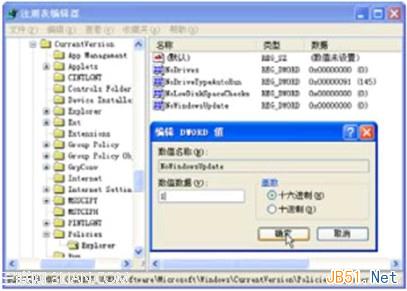
regedit
HKEY_LOCAL_MACHINE\SYSTEM\CurrentControlSet\Control\Session Manager
BootExecute
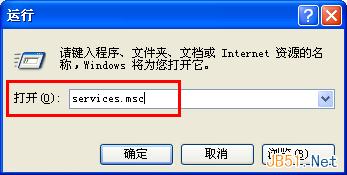
services.msc
Shell Hardware Detection
兩項設定即可停用開機干擾提示。
Win10 更換預設播放器兩法:開始功能表「預設程式」或設定 App「預設應用程式」
92% 網友好評 Win10:Cortana 小娜成最受歡迎功能,力壓 Edge 瀏覽器
Win10 應用商店下載完成卻無法安裝?一鍵清除快取 (wsreset) 即可解決
Windows 7 右鍵選單響應緩慢?清理 ContextMenuHandlers 登錄項加速
Win10 自動切換桌布設定:個人化 → 背景選「投影片播放」→ 指定資料夾與頻率
查看 Windows 8 已安裝應用程式佔用空間大小,釋放系統磁碟
Win8 還原出廠設定完整教學:刪除所有內容重新安裝 Windows 步驟詳解
XP 系統如何關閉/移除 Windows Search 與 searchindexer.exe 服務