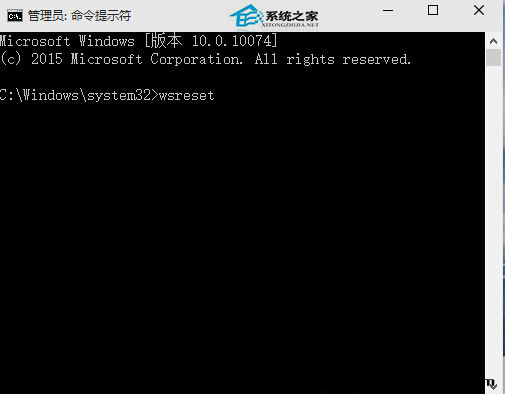
Win10 應用商店下載 App 後安裝失敗,多半是快取異常。執行 wsreset 指令清除快取即可修復。
wsreset
wsreset.exe 為系統內建工具,專門重置 Windows Store 快取資料庫,解決下載卡住、安裝失敗、授權異常等常見問題。
wsreset.exe
Win10 開啟 CAJ 閱讀器提示缺少 msvcr71.dll 解決:改副檔名解壓重裝
Win10 正式版如何設置自動更新時間和日期?兩種同步方法
Win10 任務列音量圖示消失/灰色無法調整?重啟總管或重開機兩招秒解
Win7 64位重灌後找不到無線訊號?驅動遺漏與開關關閉兩大主因完整排查
Win7 安裝與完美配置 IIS 7.0 完整圖文教學:從啟用功能到網站驗證
Windows 7 開啟登錄編輯器(regedit)的三種方法
現有 WP8 手機能否升級 Windows 10?深度分析三大關鍵因素
電腦安裝 Android-x86 雙系統,如何設定預設從 Windows 開機?分區助手修復 MBR + EasyBCD 新增 NeoGrub 引導