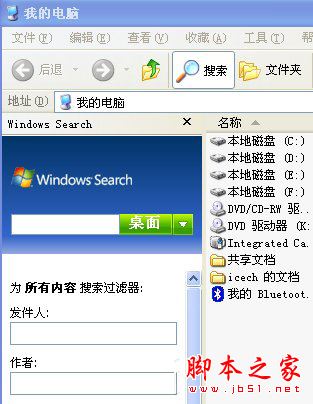
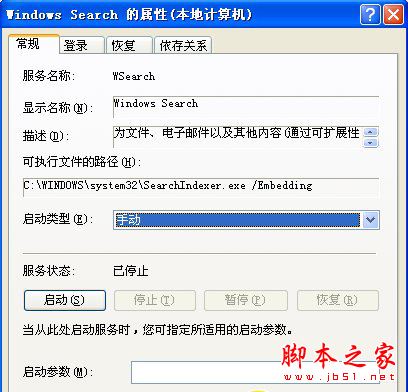
searchindexer.exe 為 Windows Search 索引服務,雖可加速搜尋,但對一般用戶效用有限,反而拖慢資料夾開啟速度。本文說明在 XP 系統中停用並移除該服務的完整步驟。
searchindexer.exe
services.msc
%systemroot%\$NtUninstallKB940157$\spuninst\spuninst.exe
視個人使用習慣決定是否保留索引服務。
Win10 週年更新 14316 新增忍者貓 Emoji 表情包(6 款),源自俄羅斯爆料人與微軟光頭哥互動
Win10 開始功能表、工作列顏色變橘色?關閉「自動從背景挑選主題色」即可恢復
Win8 如何加密資料夾保護隱私?推薦易捷資料夾加密大師完整教學
Win10 臨時檔案資料夾在哪?三大 Temp 路徑查找與清理完整指南
DiskGenius 檔案救援全攻略:誤刪、格式化、RAW 分區資料完整復原
Win7 跳出「儲存空間不足,無法處理此命令」?原因分析與三大解決方案
Windows 10 關閉通知區域系統圖示(隱藏動作中心、網路、音量等圖示)
IE 被棄用?Win10 新瀏覽器 Spartan 截圖曝光,支援語音控制與擴充套件