Windows 臨時檔案資料夾扮演快取角色,無大小限制,滿了會拖慢系統。Win10 主要有三個 Temp 資料夾,定期清理可釋放空間並改善效能。
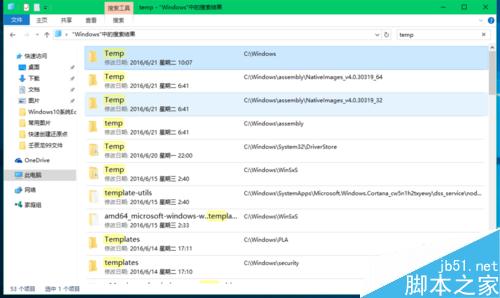
路徑: `C:\Windows\Temp`
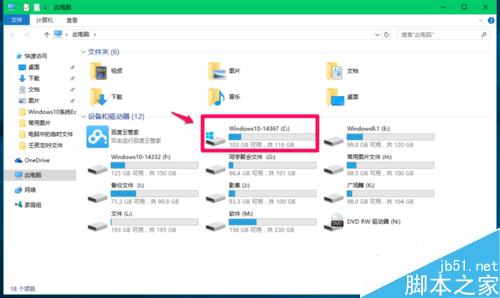
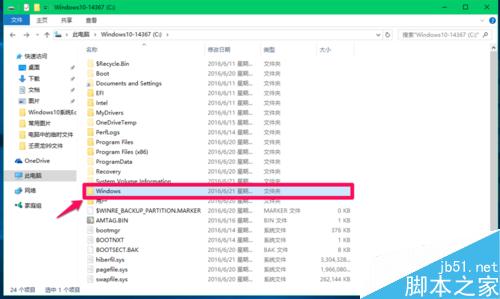
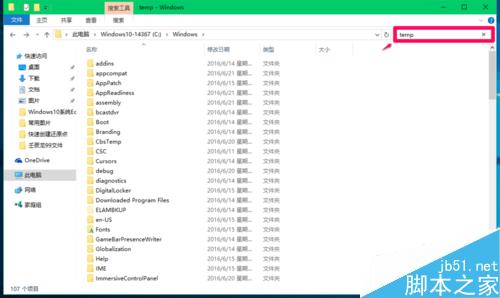
查找:開啟檔案總管 → C 槽 → Windows → 搜尋列輸入 `Temp` → 顯示所有暫存檔。不建議手動刪除,內含系統安裝紀錄、腳本、DLL 等關鍵檔案,誤刪可能導致系統異常。
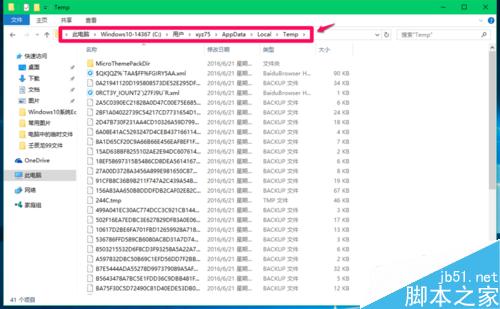
路徑: `C:\Users\<使用者名稱>\AppData\Local\Temp`
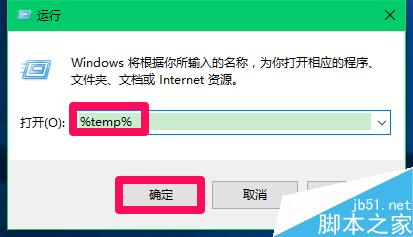
快速開啟:`Win+R` → 輸入 %temp% → Enter。
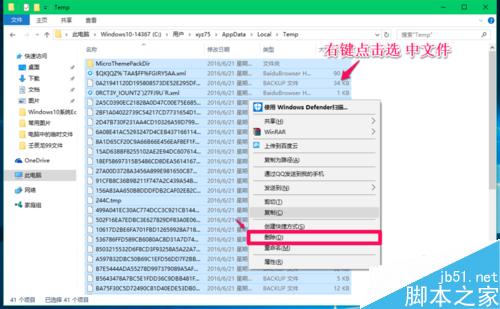
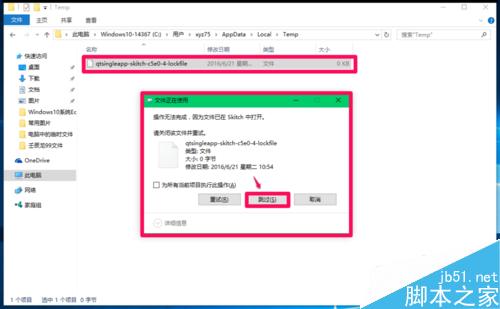
清理:`Ctrl+A` 全選 → 右鍵「刪除」 → 跳過正在使用的檔案(登出/重開機後可刪)。
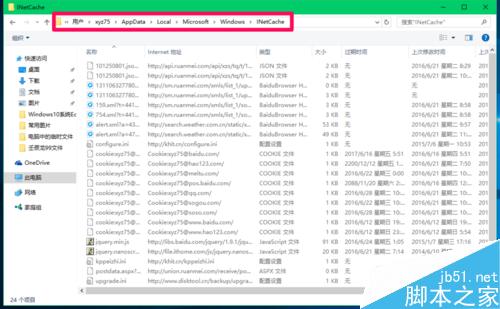
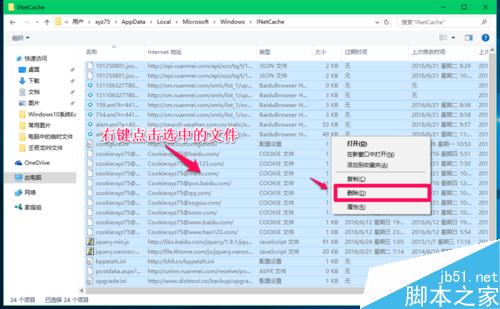
路徑: `C:\Users\<使用者名稱>\AppData\Local\Microsoft\Windows\INetCache`
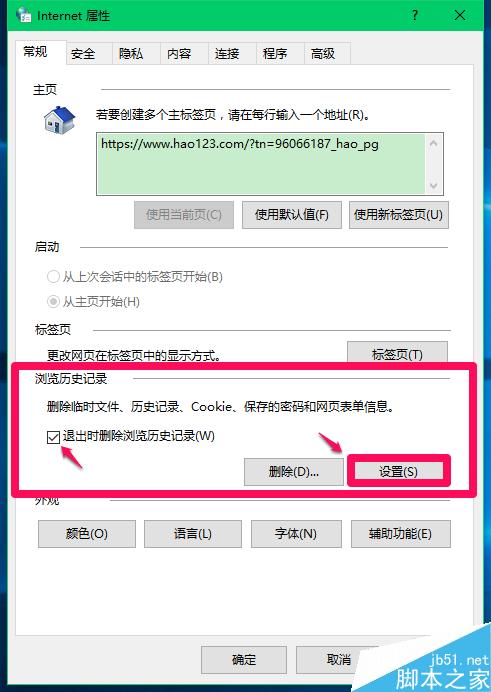
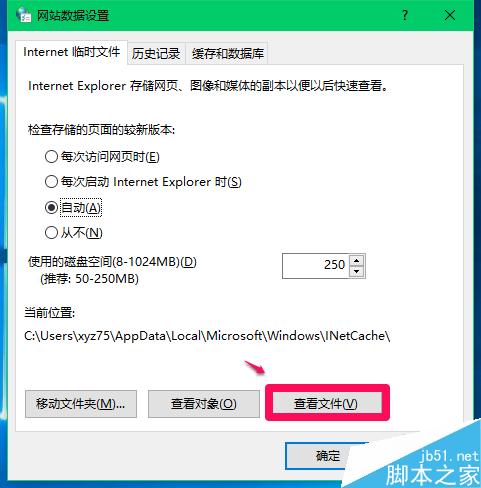
或:控制台 → 網際網路選項 → 一般頁籤 → 「瀏覽歷程記錄」→「設定」→「檢視檔案」。
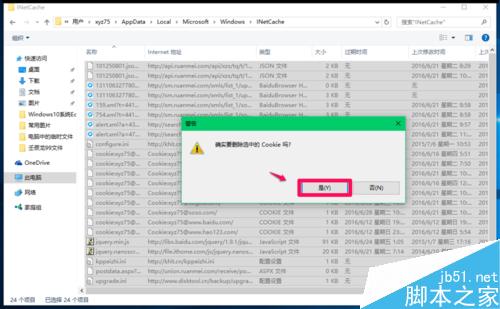
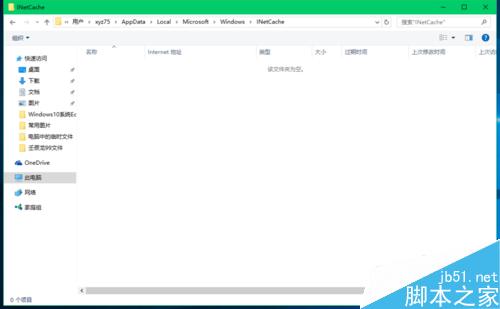
清理:同樣全選刪除,確認刪除 Cookie 提示點「是」。
定期清理 ② 和 ③,系統會更輕快。③ 清除後需重新登入部分網站。