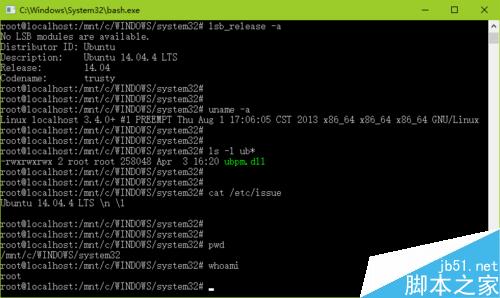
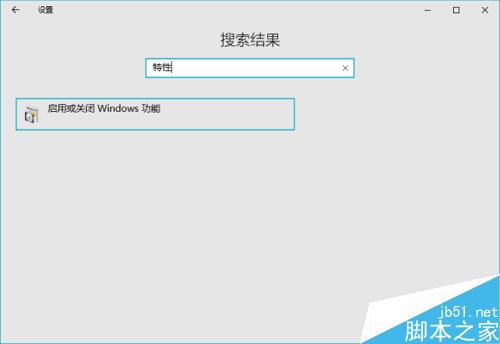
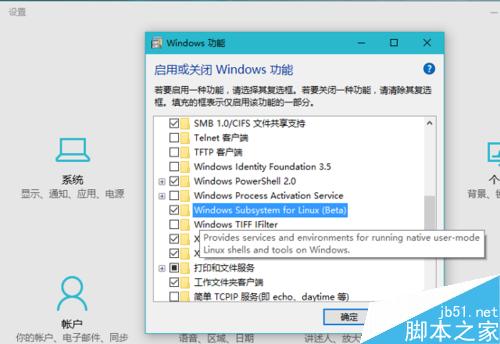
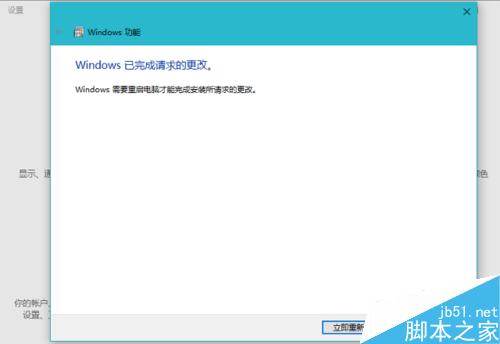
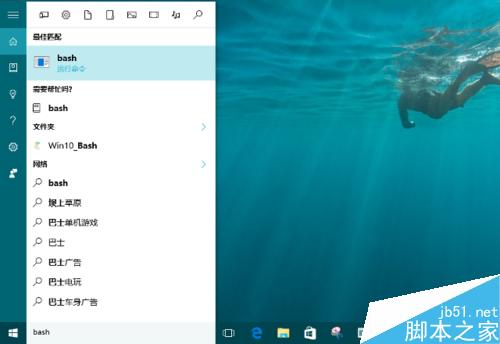
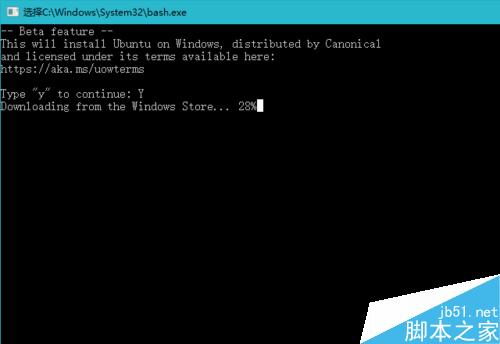
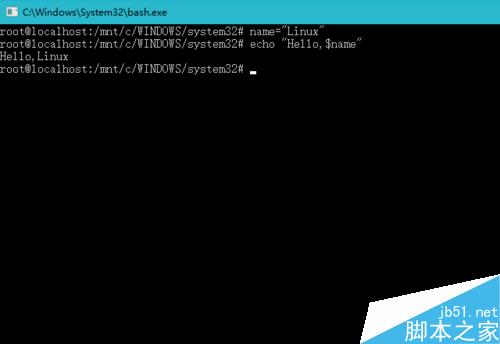
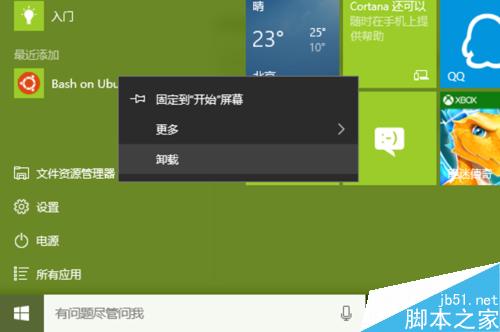
Build 2016 大會宣布 Win10 內建 Linux Bash,Build 14316 正式可用。支援多數 Linux 指令,適合開發者除錯、學生學習。
root@localhost:/mnt/c/WINDOWS/System32#
Windows 8 IE 瀏覽器如何設定自動完成?免去網址、表單重複輸入
一鍵備份還原系統教學:使用 OneKey Ghost 進行分區備份與恢復
Windows 批量複製指定文件的實用技巧:使用批處理腳本輕鬆搞定
Windows 8 開關機與關閉應用程式:Metro 介面操作指南
Win8 透過工作管理員查看網路狀態:即時監控連線、頻寬、進程網路活動
Win10 視窗護眼色設定兩法:手動修改登錄、一鍵 BAT 腳本永久生效
Windows時間同步失敗「與time.windows.com同步時發生錯誤」?啟用Windows Time服務並手動同步完整教學
Win8.1 預約升級 Win10 失敗?複製安裝檔案離線安裝教學