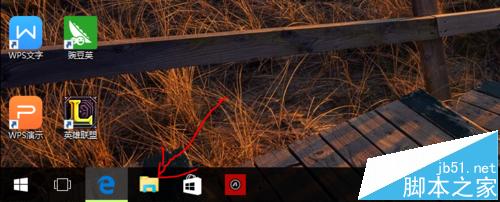
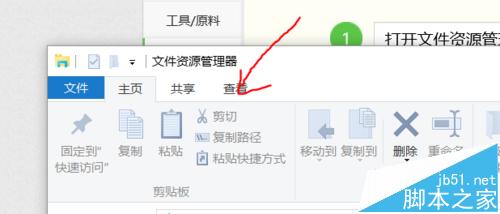
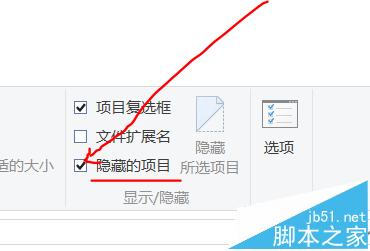
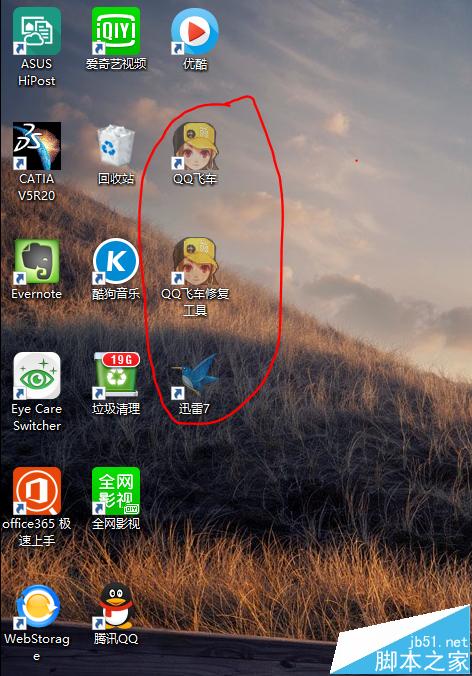
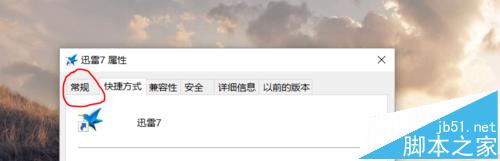
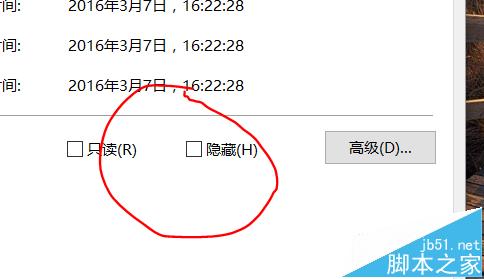
Win10 桌面或資料夾隱藏圖示後找不到,開啟檔案總管勾選「隱藏的項目」即可顯示,再取消圖示屬性中的「隱藏」屬性即可永久顯示。
簡單兩步驟找回並取消隱藏屬性。更多 Win10 檔案管理技巧請關注本站!
Win10 檔案總管預設開啟「這台電腦」而非「快速存取」:檢視選項一鍵切換
64 位 Windows 7 玩《輻射 3》畫面凍結解決法:強制雙核心執行
Windows 10 永久停用驅動程式強制簽章驗證:一行 BCDEdit 指令即可完成
Windows 7 建立寬頻撥號連線 (PPPoE) 步驟
Windows 10 KB3074681 補丁導致檔案總管崩潰 解決與替代方案
Win8.1 如何使用內建系統映像備份功能?備份為 VHDX 格式
Win7 下載時關閉螢幕不斷網:主動快捷鍵與自動電源計畫設定教學
Win10 自訂「傳送到」右鍵選單,加入常用資料夾一鍵移動/複製檔案