Win8.1 內建「系統映像備份」可將系統磁碟完整備份為 VHDX 虛擬硬碟格式(Hyper-V 相容),不壓縮、體積龐大(等同已用空間),需外接大容量儲存裝置。
備份步驟
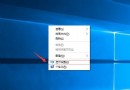
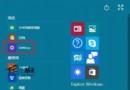
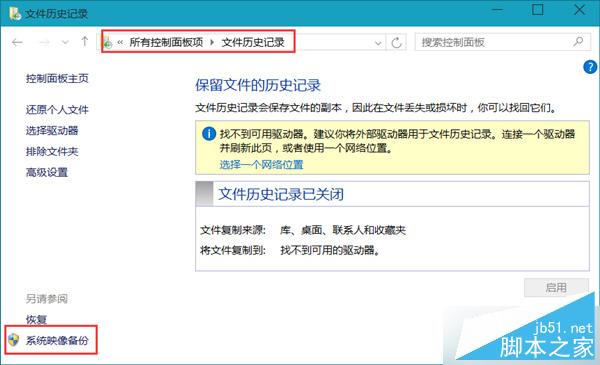
- 控制台 → 「系統與安全性」 → 「檔案歷程記錄」 → 左下角「系統映像備份」。
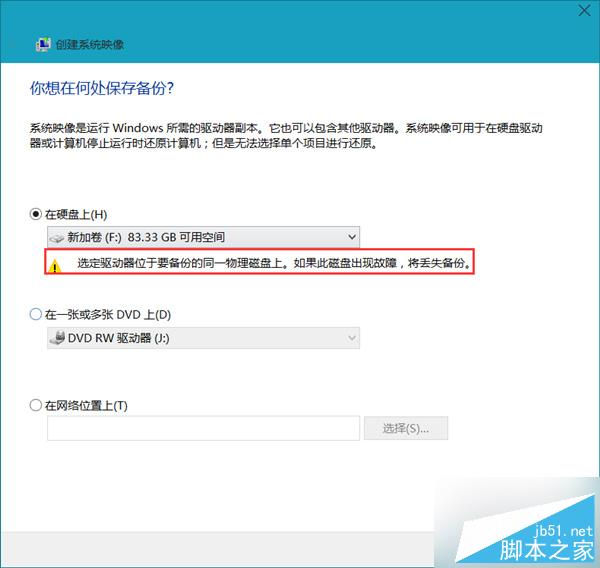
- 選擇備份目的地(建議外接硬碟,系統會警告同磁碟風險)。
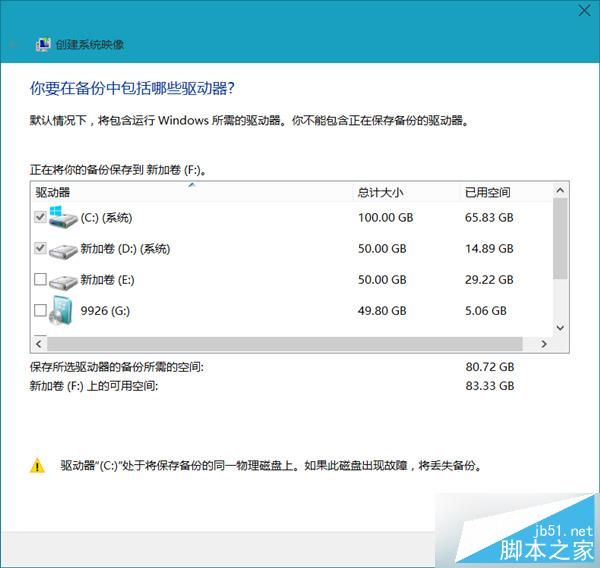
- 確認備份磁碟區(預設含系統保留區與 C 槟,若 D 槟含系統檔案亦會勾選)。
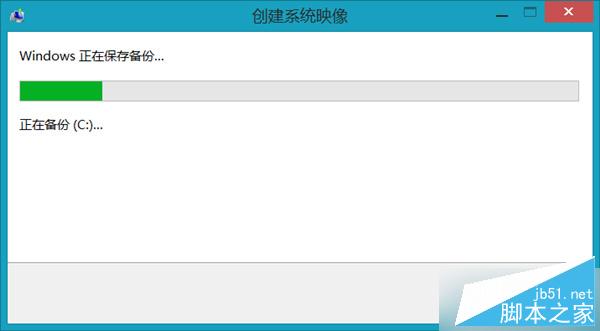
- 開始備份,過程漫長請耐心等待。
特點說明
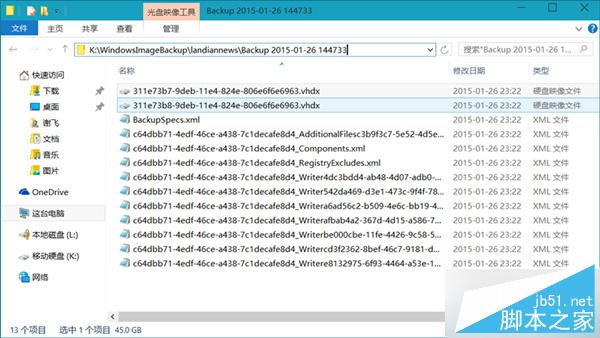
- 備份檔為
.vhdx,可掛載至 Hyper-V 或 Win8.1+ 系統直接瀏覽檔案。
- 不壓縮,100GB 使用空間即產生 ~100GB 備份檔,需預留足夠空間。
- 免費、原生、無需第三方軟體,適合完整系統災難恢復備份。
善用原生工具建立系統還原點,關鍵時刻可快速恢復作業環境。