Win10 Insider Preview 版升級後或全新安裝出現啟動錯誤(如 0xC004C003),透過設定頁「前往應用商店」取得正版授權即可自動修復啟動(無需實際付費)。
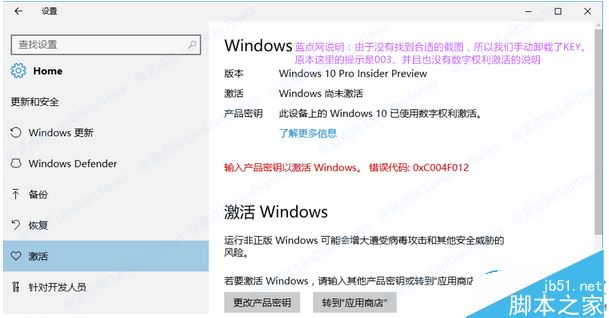
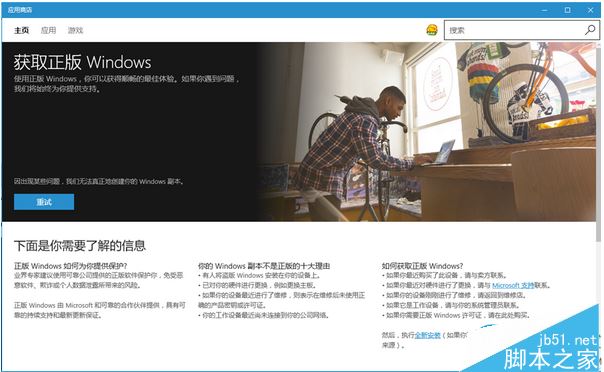
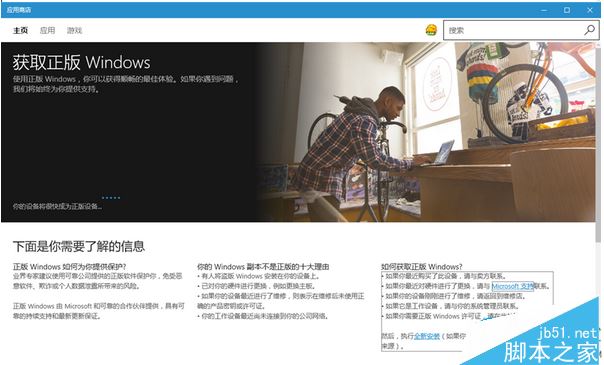
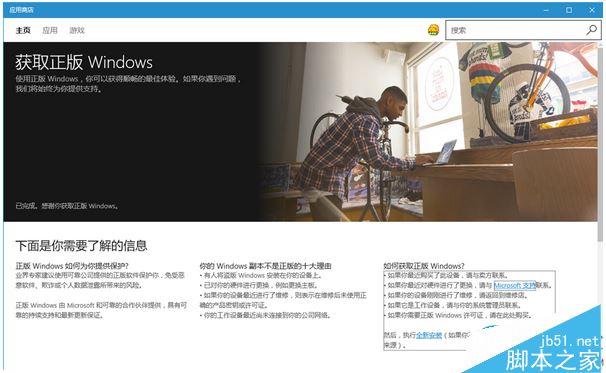
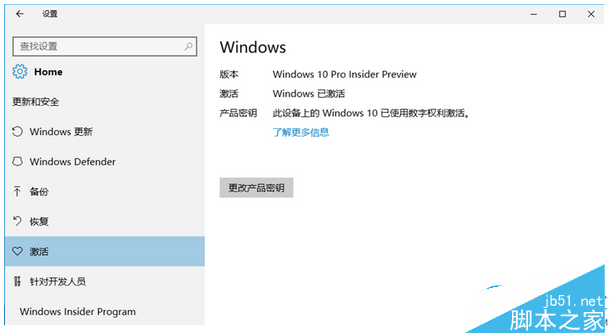
此法適用已取得數位授權裝置升級預覽版失效、或全新安裝預覽版無法啟動的情況。更多啟動問題請關注本站!
Win 10 正式版如何開啟毛玻璃特效?Aero Glass 10240 工具支援自訂顏色、透明度、光照、背景
Win7 透過群組原則限制僅允許指定 USB 隨身碟存取,阻擋不明裝置防資料外洩
Windows 8.1 IE11 無法開啟 QQ 空間?兩招修復 Internet 選項與相容性檢視
Win10 通用應用「通知視覺化」發布:開發者設計自適應動態磚貼神器
Windows 8 Metro 介面啟用「以其他使用者身分執行」:群組原則新增右鍵選單指令
Win 7 關機後滑鼠燈仍亮?BIOS 開啟 ErP 節能支援即可熄滅
Win10 週年更新 14352 上手體驗影片:新圖示、Cortana 整合、Windows Ink 改進、便利貼關聯版面