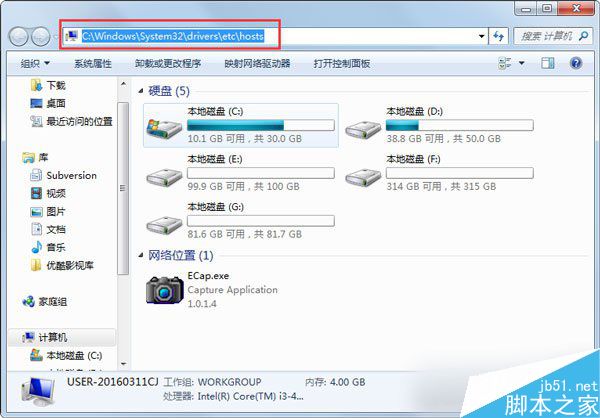
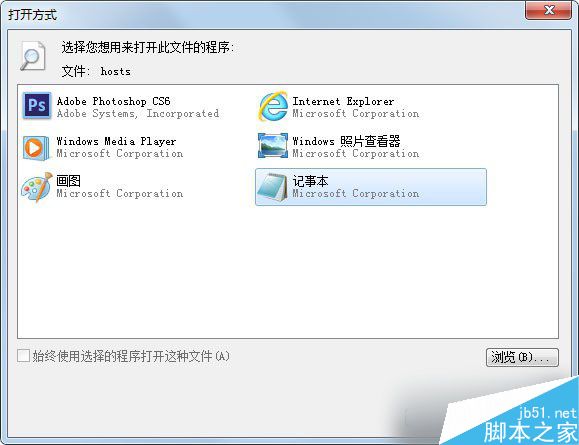
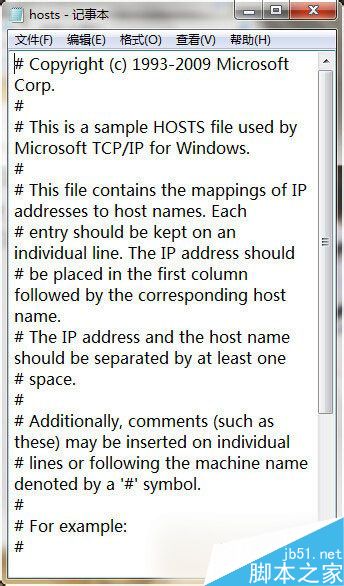
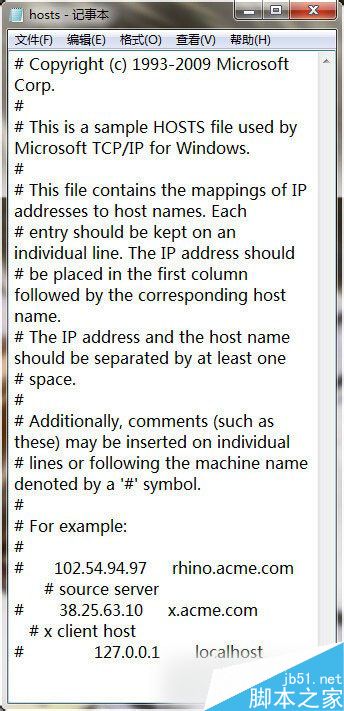
Hosts 檔案(C:\Windows\System32\drivers\etc\hosts)是本機 DNS 解析對照表,常被惡意軟體修改導向釣魚網站、封鎖更新伺服器或植入廣告。定期清理恢復預設可提升網路安全。
C:\Windows\System32\drivers\etc\hosts
127.0.0.1 localhost
::1 localhost
定期檢查 hosts 檔案是維護網路安全的基本功課。更多系統安全技巧請關注本站!
Win10 週年更新 14352 上手體驗影片:新圖示、Cortana 整合、Windows Ink 改進、便利貼關聯版面
Win10 移除 Windows 元件精簡系統功能
升級 Win10 後喇叭/耳機出現雜音?更新聲卡驅動、改用後板音訊孔、等待官方相容性修正
Win10 如何將兩張圖片合併為一張?內建「畫圖」App 免安裝軟體快速拼圖教學
Win10 插入行動硬碟/USB 自動開啟檔案總管?關閉「自動播放」設為「不執行任何動作」
Win10 開始選單自訂完整教學:取消固定、加入常用、拖曳排版、調整磚塊大小
Windows 10 教學:將應用程式安裝至非系統磁碟(含外接儲存裝置)
Windows 10 如何查看已連線 Wi-Fi 密碼?兩種方法圖文教學