Windows XP Windows 7 Windows 2003 Windows Vista Windows 綜合教學 Linux 系統教學
Windows 10 Windows 8 Windows 2008 Windows NT Windows Server 電腦軟體教學
您现在的位置: Windows教程網 >> Windows教程 >  >> Windows 綜合教學 >> 關於 Windows

Win10 開機彈出 dfrgfat.exe 應用程式錯誤?兩套修復方案:重註冊系統元件或重建 WMI 儲存庫

編輯:關於 Windows

dfrgfat.exe 是磁碟重組排程器元件,開機報錯通常因系統元件註冊損毀或 WMI 儲存庫不一致。提供兩套修復方案:

方案一:重註冊所有 .ocx/.dll 並鎖定 Layout.ini

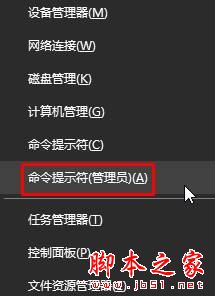
  1. Win + X → 命令提示字元 (系統管理員)。
  2. 依序執行:
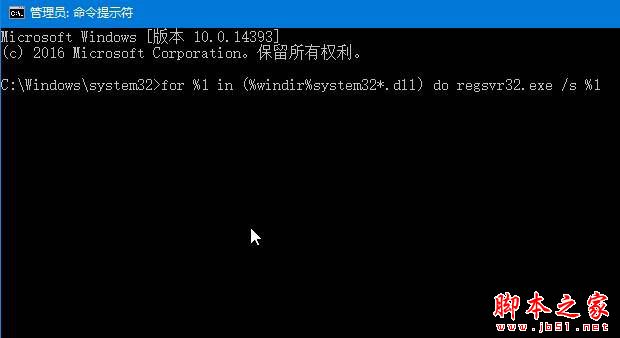
    for %1 in (%windir%\system32\*.ocx) do regsvr32 /s %1
    for %1 in (%windir%\system32\*.dll) do regsvr32.exe /s %1
    等待畫面滾動完成。
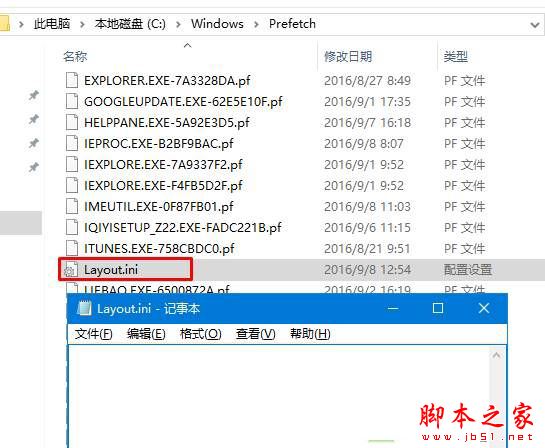
  3. 開啟 C:\Windows\Prefetch\Layout.ini,清空內容並儲存。
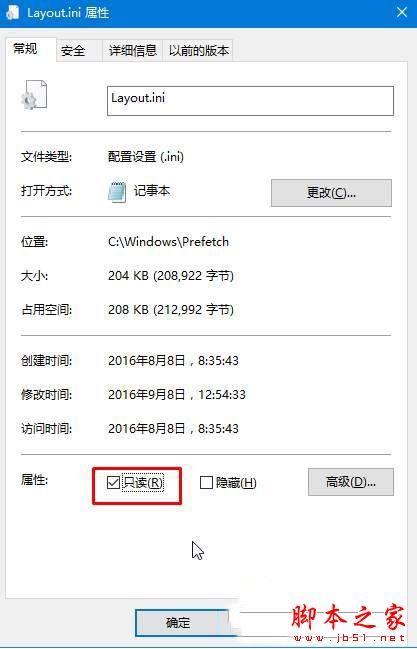
  4. Layout.ini 右鍵 → 內容 → 勾選「唯讀」 → 套用/確定。
  5. 重開機驗證。

方案二:重建 WMI 儲存庫(針對 WMI 損毀)

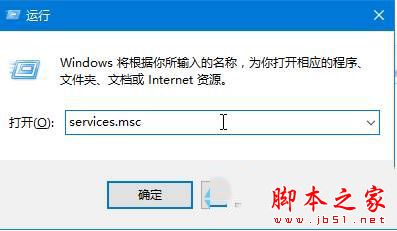
  1. Win + R → services.msc → 停止 Windows Management Instrumentation 服務。
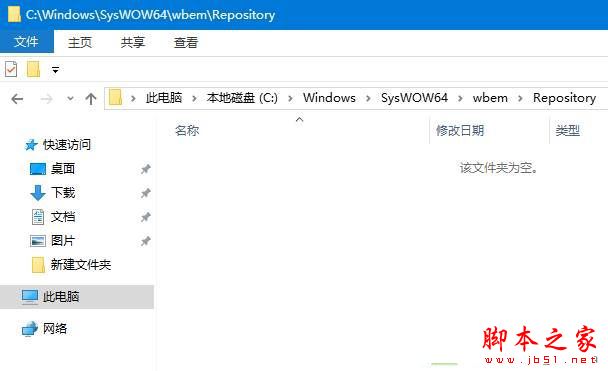
  2. 刪除儲存庫資料夾內所有檔案:
    64 位元:C:\Windows\SysWOW64\wbem\Repository
    32 位元:C:\Windows\System32\wbem\Repository
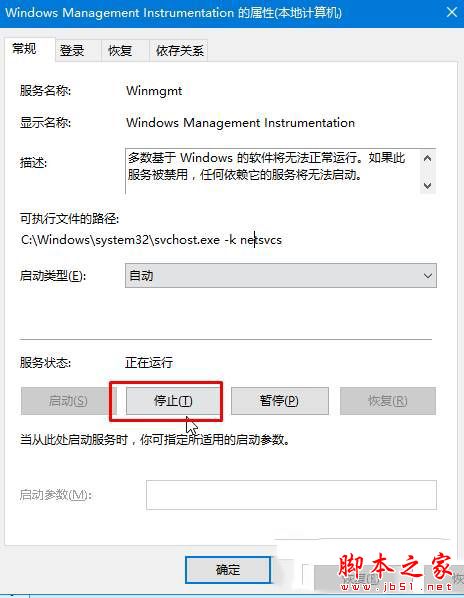
  3. 重新啟動 WMI 服務 → 重開機。

管理員 CMD 執行 regsvr32

regsvr32 執行畫面

Layout.ini 清空並設唯讀

Layout.ini 唯讀屬性

停止 WMI 服務

WMI 服務屬性

刪除 Repository 資料夾內容

Copyright © Windows教程網 All Rights Reserved