Windows 10 專業版隱藏私密檔案的方法非常直觀,以下提供隱藏與顯示的完整圖文步驟。
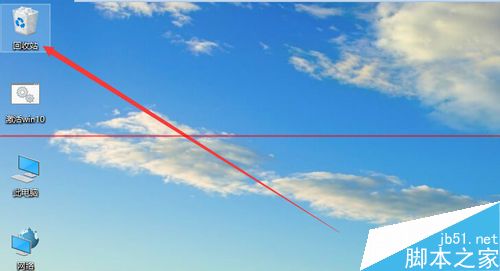
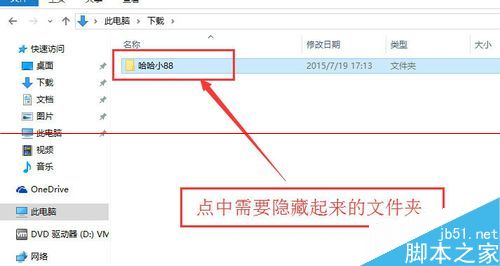
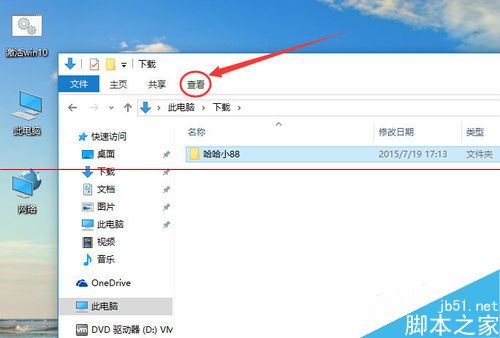
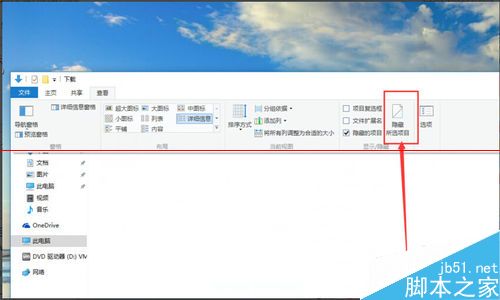
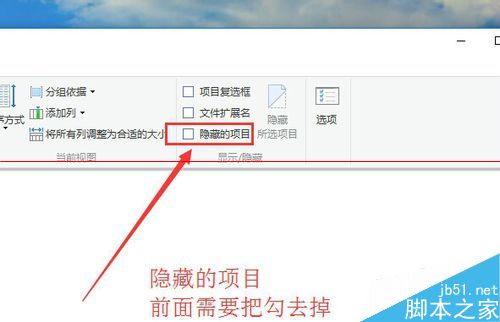
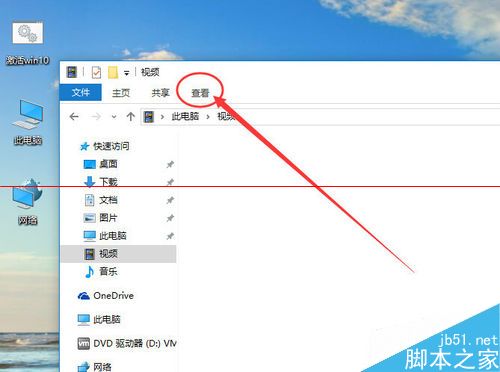
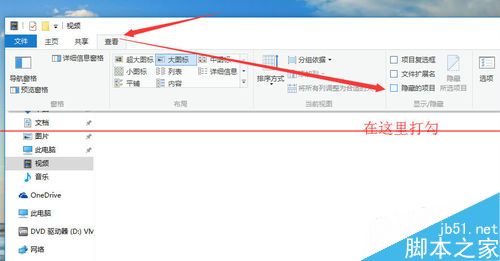
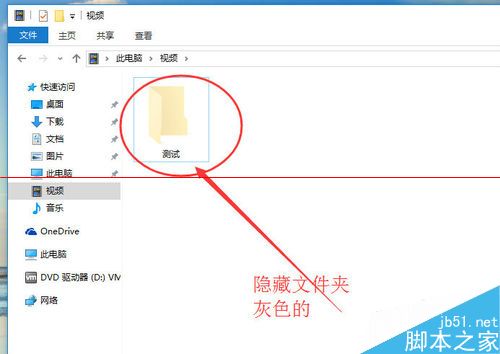
此功能為 Windows 檔案總管內建,無需第三方軟體即可快速切換檔案可見性。
Intel RealSense 3D 攝像頭驅動 1.4.27 釋出:強化 Windows Hello 臉部辨識戶外表現
5 分钟读懂 Win10 正式版:51 张高清图全方位解析新功能与界面
Win10 修改輸入法切換熱鍵為 Ctrl+Shift,符合中文慣用習慣
Windows 8 RP 內建 Flash 導致顯卡驅動停止回應/綠屏/花屏?暫時緩解方案
XP 系統搜尋不到 WiFi?檢查無線網路連線設定與工作模式
Windows 10 10159 升級到 10162 完整教學:簡化為三階段,約 30 分鐘完成
安裝軟體提示 Windows 數位憑證驗證異常?瀏覽器設定允許無效簽名即可暫時解決
Windows 10 桌面圖示位置與排列無法儲存?修改 InProcServer32 登錄值指向 windows.storage.dll 即時修復