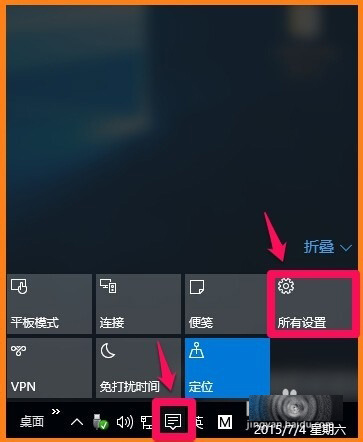
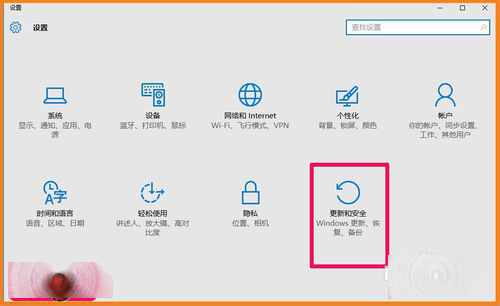
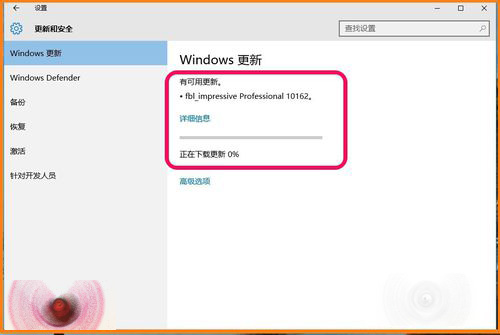
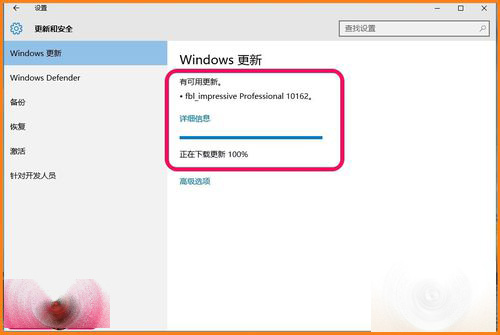
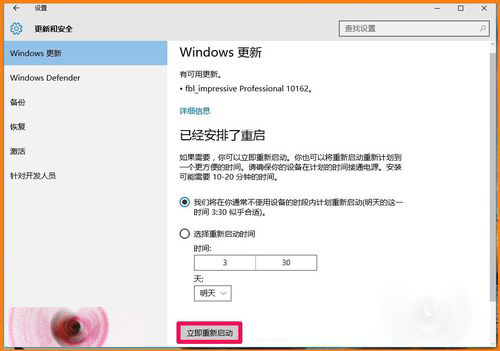
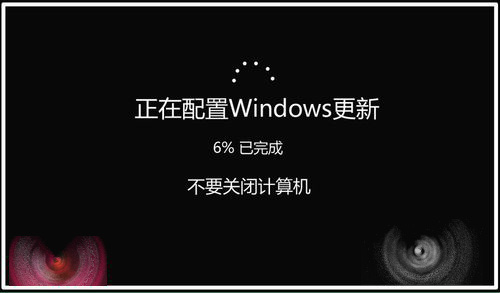
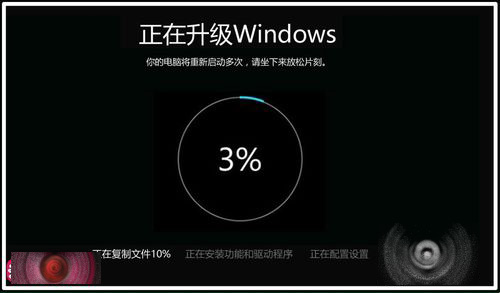
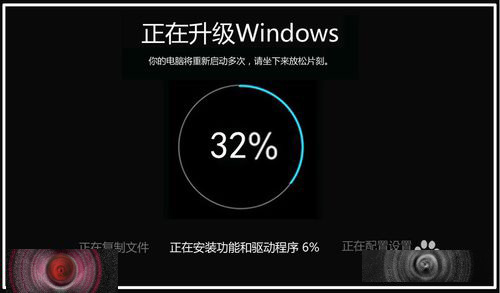
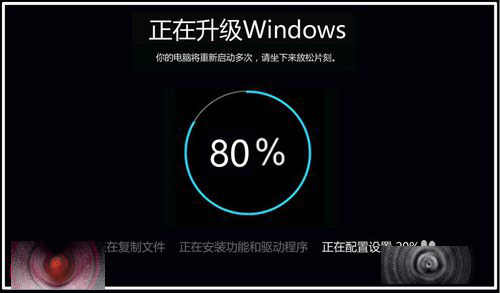
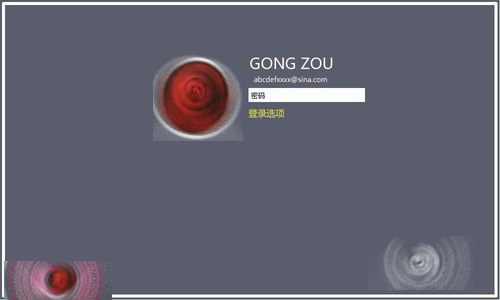
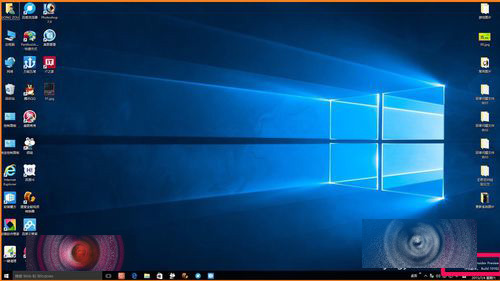
Win10 升級流程持續優化,10159→10162 僅需「複製檔案、安裝功能與驅動、設定配置」三階段,省去舊版「設定應用、處理事項」等步驟,全程約 30 分鐘。
fbl impressive professional 10162
升級流程大幅精簡,體驗更接近正式版 OTA 更新模式。
XP 開機提示「找不到 COMRes.dll」解決法:病毒掃描、從 dllcache 複製註冊
Win10 Build 9901 無法升級 9916/9918?洩露版 Bug 導致更新失敗,唯有重新安裝
Win7 設定螢幕自動關閉時間:省電又延長顯示器壽命
Windows 10 硬碟使用率飆高(50%~100%)?五大解決方案徹底降低磁碟負載
升級 Win10 後如何重新安裝(乾淨安裝)?5 大流程與注意事項:確認激活、下載 ISO、備份資料、USB 開機、聯網自動激活
移除管理員權限可阻擋 97% Windows 漏洞?權限管理防禦策略解析
Win10 Build 10547 支援切換多組 Insider 帳號 + 暫停接收預覽版
Win10 無法進入 BIOS?三種解決方案:重啟、關閉快速啟動、斷電重插