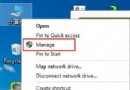
Win8 想查看網路連線詳細狀態(如速度、封包統計),不必鑽控制台,可建立一個特殊 GUID 捷徑直達:
C:\Windows\explorer.exe ::{7007ACC7-3202-11D1-AAD2-00805FC1270E}(注意 exe 後有空格)。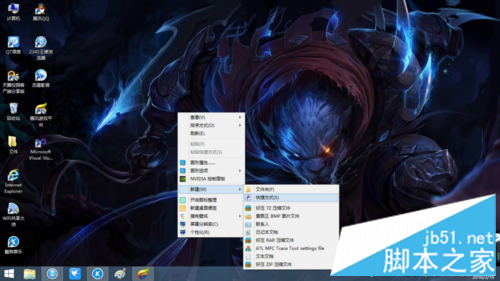
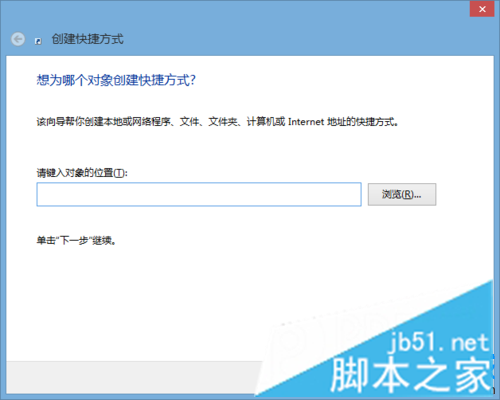
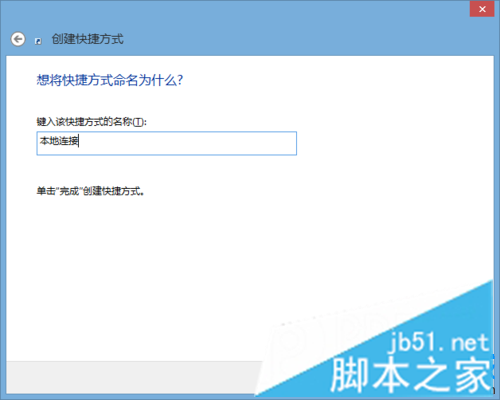
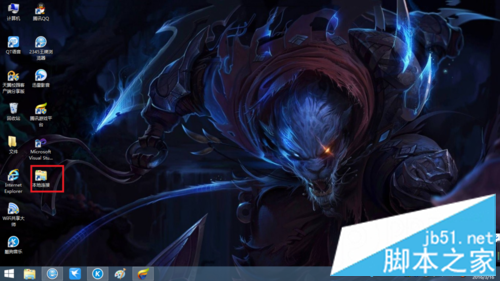
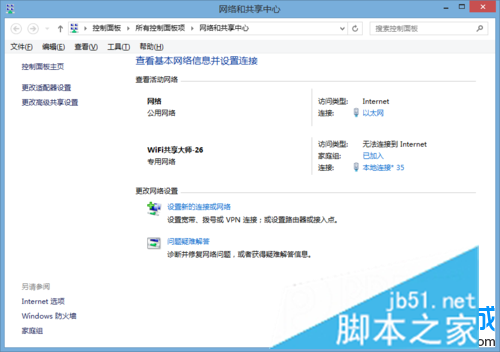
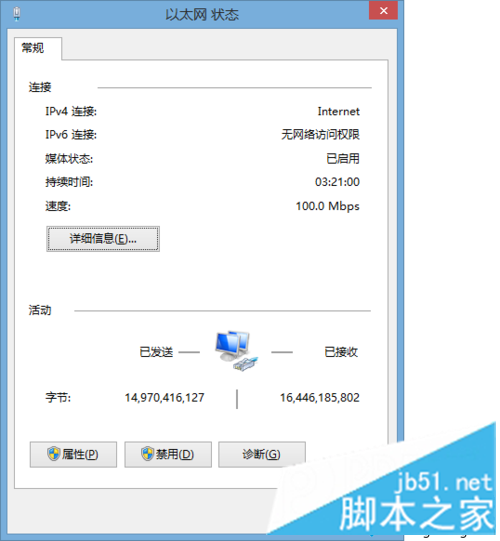
此技巧同樣適用於 Win7/Win10,利用 Shell 命名空間 GUID 快速存取系統隱藏資料夾。
Windows 7 右鍵選單找不到「新增文字文件」?匯入登錄檔一鍵恢復
Windows 10 Mobile 正式版不會隨 PC 版同步上市:Joe Belfiore 確認秋季釋出
Win10 多项系统功能打不开?启用 Application Information 服务修复
Win10 工作列圖示合併設定:讓 QQ 等應用程式視窗不再疊加、單擊即達
Win7 存取網上鄰居要輸入帳號密碼?關閉「密碼保護共用」恢復免密訪問
Win10 查看 .NET Framework 版本兩法:控制台「開啟或關閉 Windows 功能」或直接開啟 Framework 目錄