Windows XP Windows 7 Windows 2003 Windows Vista Windows 綜合教學 Linux 系統教學
Windows 10 Windows 8 Windows 2008 Windows NT Windows Server 電腦軟體教學
您现在的位置: Windows教程網 >> Windows教程 >  >> Windows 綜合教學 >> 關於 Windows

Win10 多项系统功能打不开?启用 Application Information 服务修复

編輯:關於 Windows

Win10 部分系统功能(如设置、开始菜单、通知中心)点击无反应,常因 Application Information 服务被禁用。通过安全模式或命令行启用该服务即可恢复。
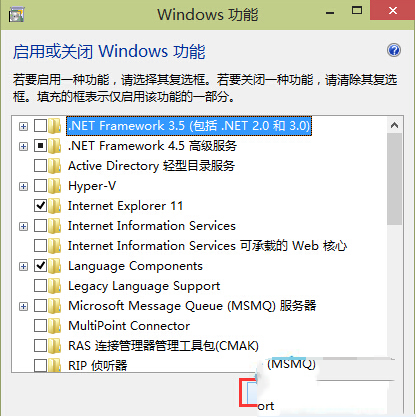
功能打不开示例

修复方法

法一:安全模式下启用服务

  1. 进入 Win10 安全模式(设置→更新和安全→恢复→高级启动→重启→疑难解答→高级选项→启动设置→重启→按 4/F4);
  2. 打开“服务” (services.msc),找到 Application Information,启动类型改为“自动”,并启动服务;
  3. 重启进入正常模式验证。

法二:命令行一键启用(推荐)

  1. Win+R → cmd → 以管理员身份运行;
  2. 执行:net start "Application Information"

注:服务名含空格需加双引号。若提示“服务已在运行”,说明问题非此服务导致,需进一步排查。

根因:Application Information 服务负责 UAC 权限提升中介,禁用后所有需要提权的系统组件均失效。

Copyright © Windows教程網 All Rights Reserved