透過建立桌面捷徑,使用 WMIC 指令一鍵以管理員權限建立系統還原點,無需繁瑣手動操作。
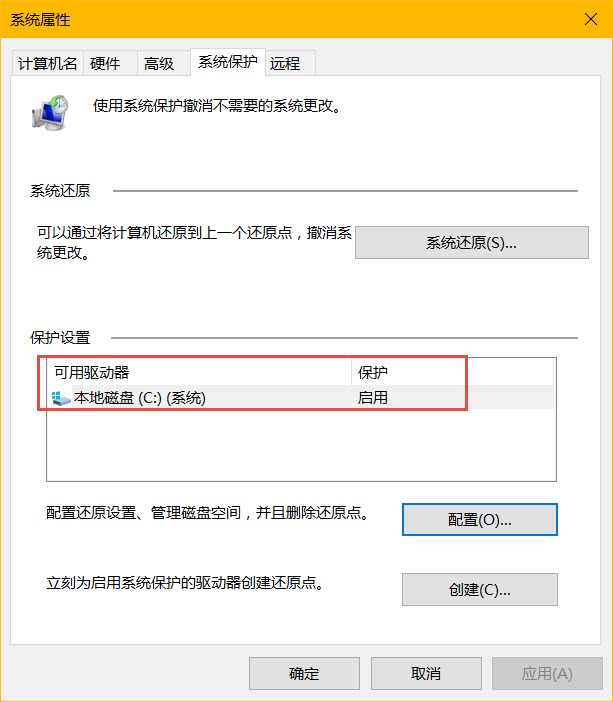
systempropertiesprotection
2. 確認系統磁碟 保護狀態為「開啟」
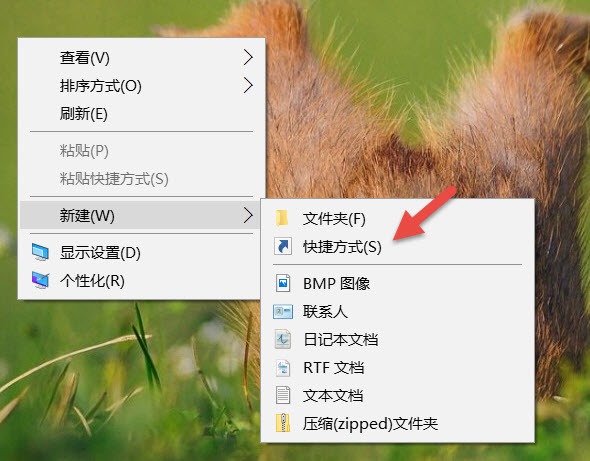
cmd.exe /k "wmic.exe /Namespace:rootdefault Path SystemRestore Call CreateRestorePoint "My Shortcut Restore Point", 100, 7"
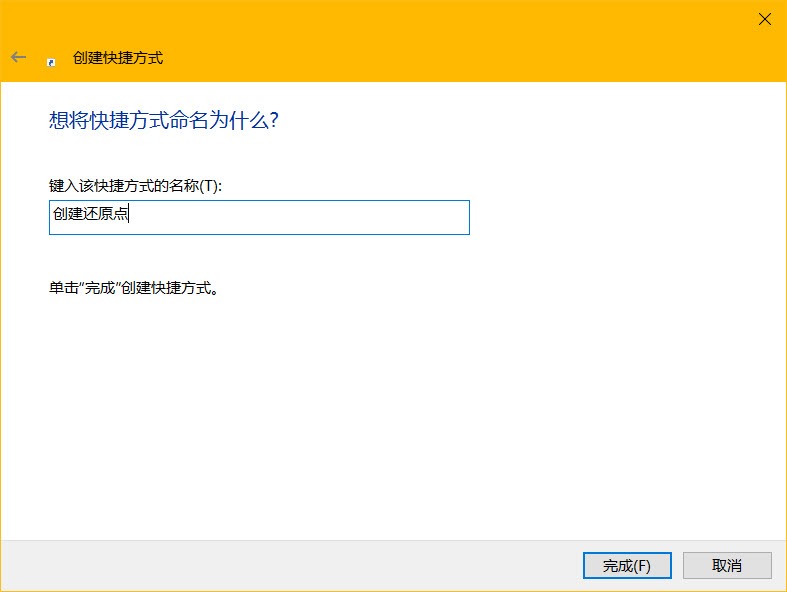
3. 下一步 → 命名捷徑(如「建立還原點」)→ 完成
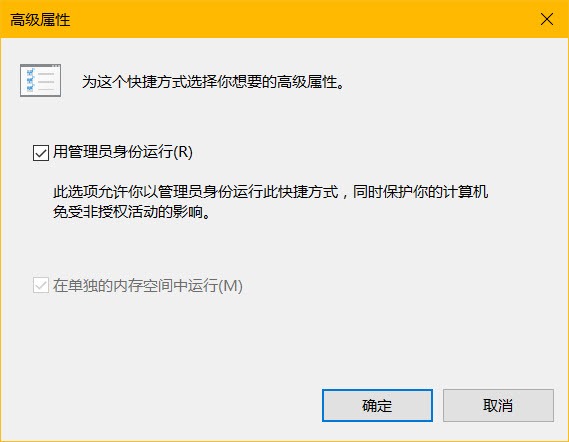
4. 右鍵捷徑 → 內容 → 捷徑 頁籤 → 進階
5. 勾選 「以系統管理員身分執行」 → 確定
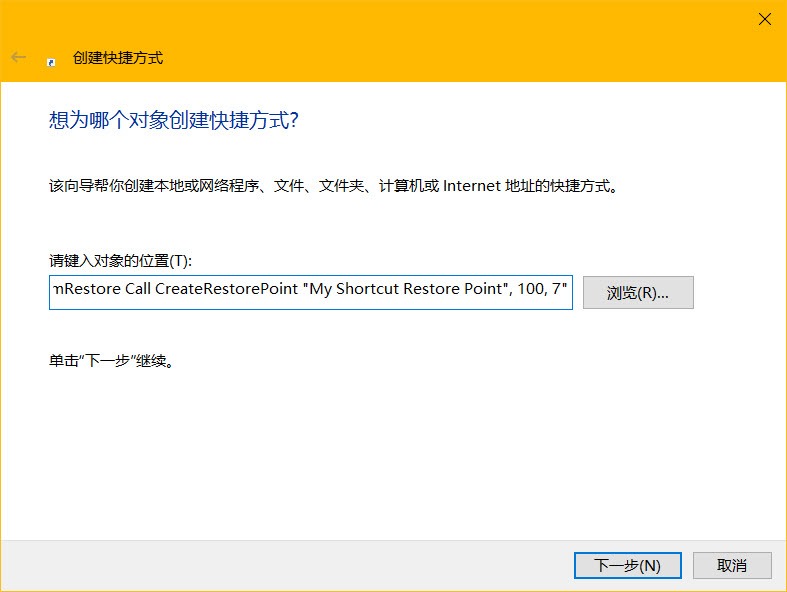
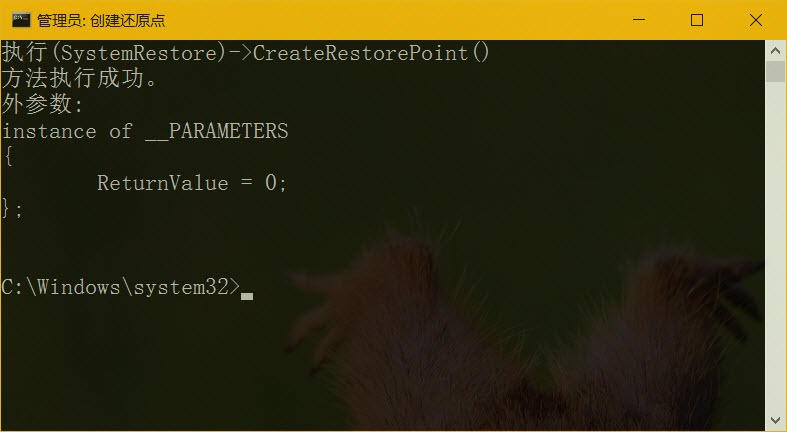
CreateRestorePoint:建立還原點方法"My Shortcut Restore Point":還原點描述名稱100:還原點類型(100=應用程式安裝)7:保留時間(單位:秒,此處為示意)Win10 Mobile 10572 新功能:未接來電顯示響鈴次數,識別詐騙電話好幫手
Win10 系統 Windows Hello 閃退解決方法:重新註冊內建應用
Win7 桌面右鍵刷新反應慢(十幾秒)?註冊表清理 ContextMenuHandlers 秒解決
Win7 純淨安裝後必做三件事:禁用自動更新、關機不裝補丁、關閉 UAC
Windows 10 Build 10041 已知音訊問題彙總與解決方案
Win10 最需改進 10 項:檔案總管標籤、驅動更新整合、波斯曆、Aero Glass、圖標重設計、強化記事本、免費升級、任意釘選、應用獨立音訊、合併設定介面