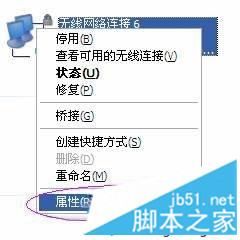
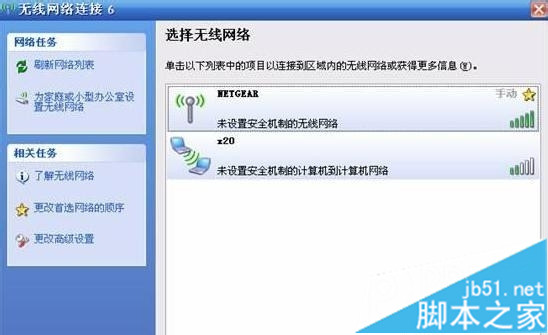
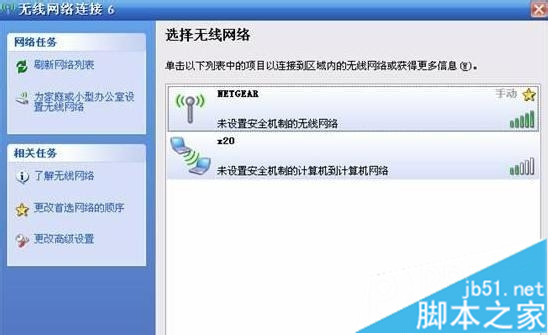
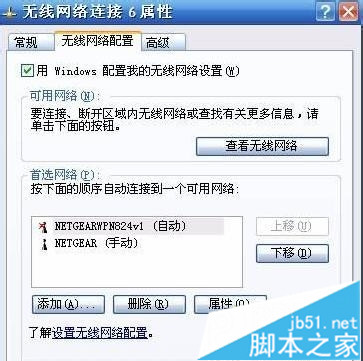
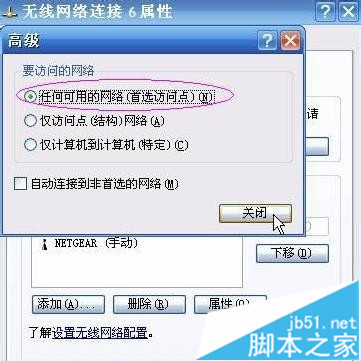
XP 系統開啟無線開關仍搜尋不到 WiFi,僅顯示「wi-fi router 啟用安全的電腦到電腦網路」,解決方法:
依上述步驟設定後即可正常搜尋並連接 WiFi。
Win10 如何建立「所有工作」神模式資料夾?一鍵直達 200+ 系統設定隱藏入口
Win10 升級後光碟機消失?兩大原因與解決方案完整圖解
Win10 系統下 QQ 2D 桌球無法啟動?教你用相容模式輕鬆解決
OpenVPN Client 客戶端完整設定教學(Windows 7 測試環境)
Win10 強制升級指令 wuauclt.exe /updatenow 無反應?完整排查與替代升級方案
Windows 恢復環境 (WinRE) 完整指南:進入方式、內建工具與 ReAgentc 指令配置詳解
Win7螢幕色彩校正工具完整圖文教學:DCCW調整Gamma、亮度、對比、色彩平衡
Win10 如何攔截優酷視頻廣告?360 安全瀏覽器 + Adblock 擴充套件一鍵淨化觀影體驗