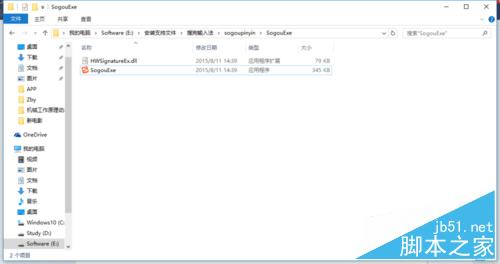
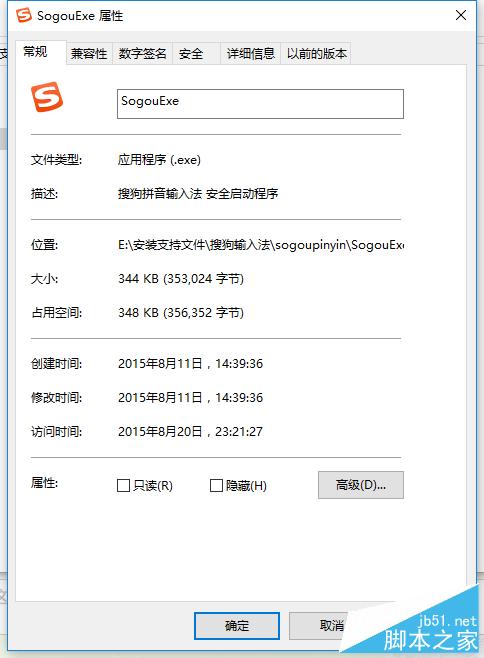
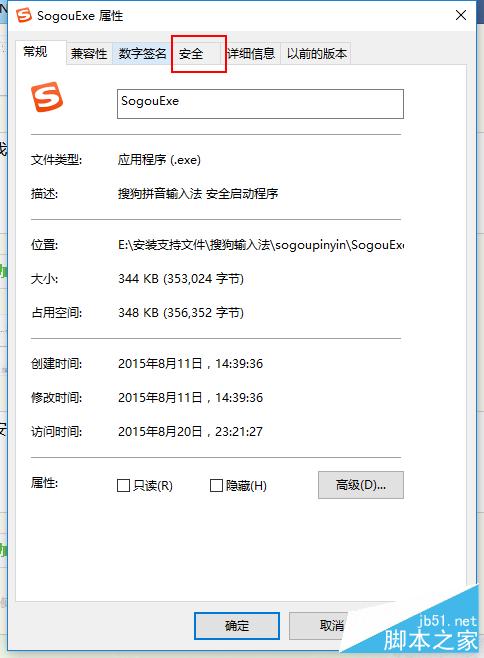
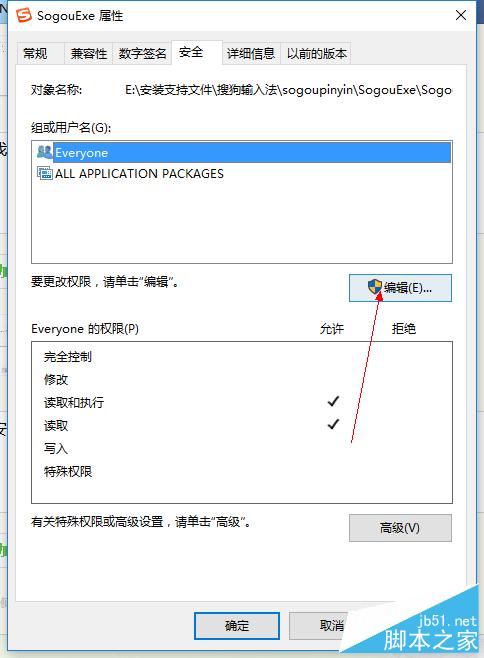
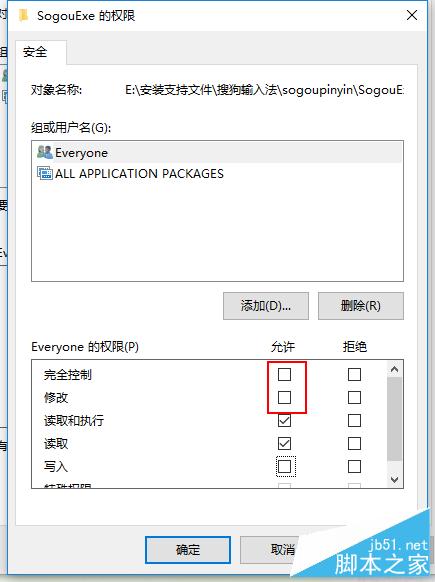
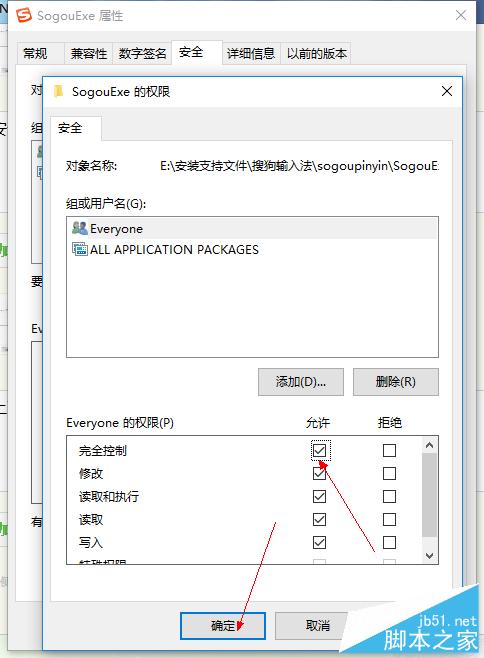
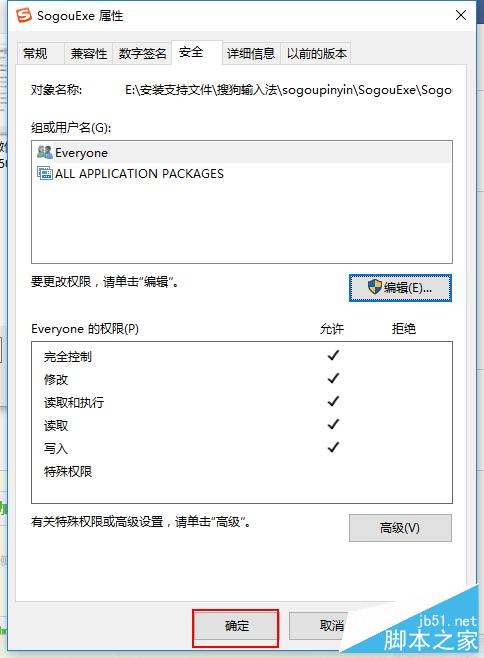
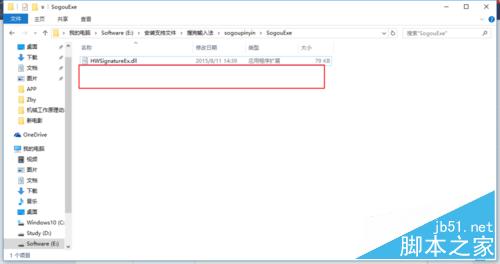
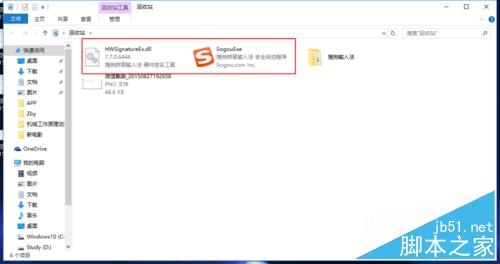
同樣方法可刪除 HWSignatureEx.dll 等其他頑固檔案。
Win10 網頁突然變大怎麼辦?兩招快速調整縮放:Ctrl+滑鼠滾輪、Ctrl+加減號
Windows XP 設定開機自動撥號上網(支援重啟/登出後自動連線)
Windows XP 如何隱藏 IP 位址?Internet 選項設定 Proxy 伺服器教學
【影片】香港美女實測 Win10 正式版 Windows Hello 生物識別功能
遊戲守護進程 Windows 版:VBScript 實現 db-gs-gg 架構自動監控重啟
Win7 System Idle Process 佔用率高是正常現象:代表 CPU 閒置資源充足,非故障無需修復
非官方 Windows 10 安裝 Windows Media Center 破解教學:6 步驟完成、百度網盤下載、_TestRights.cmd + Installer.cmd 自動化部署