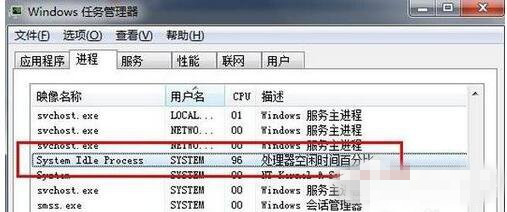
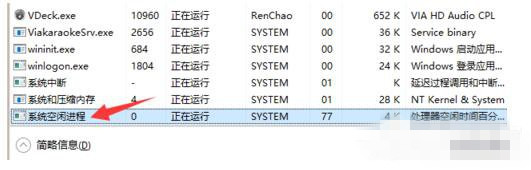
許多用戶看到「System Idle Process」佔用 90%+ CPU 以為中毒/故障,實則相反:
核心概念
- System Idle Process = 系統閒置進程 (Win10 已中文化顯示)。
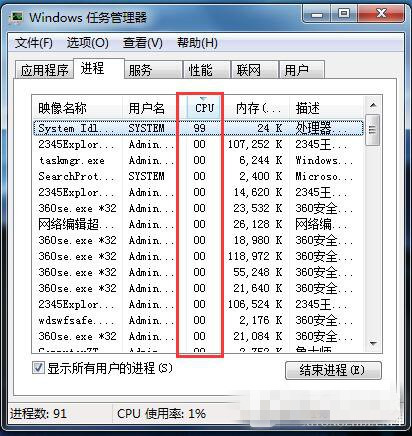
- 其 CPU 佔用率 = 100% - 實際被佔用 CPU%。
- 佔用率高 = CPU 閒置資源多 = 電腦輕鬆、效能充沛。
圖解驗證
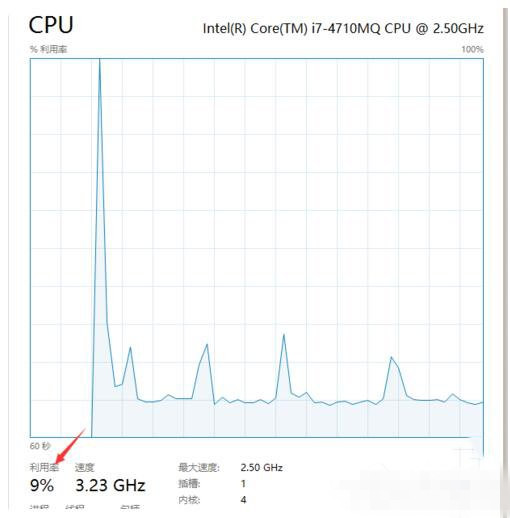
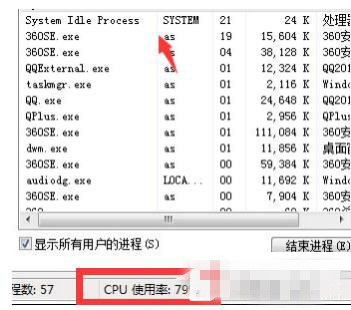
- 任務管理員:CPU 總使用 9% → System Idle Process 91%。
- 玩大型遊戲:CPU 使用 80% → System Idle Process 20%。
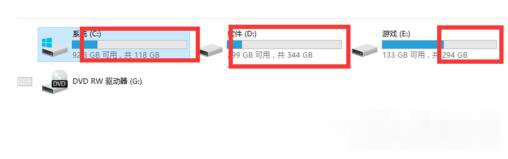
- 類比:硬碟圖表中白色透明部分 = 剩餘空間;System Idle Process = CPU 剩餘算力。
真正卡頓時該查什麼?
若 System Idle Process 高但電腦卡,問題不在 CPU,請檢查:
- 記憶體是否耗盡 (硬碟狂讀寫/頁面檔案頻繁交換)。
- 硬碟 100% 使用率 (機械硬碟老化/壞軌/系統索引/殺毒掃描)。
- 顯卡驅動/散熱/電源管理限制效能。
- 網路延遲/伺服器端問題 (網遊/網頁卡)。
結論: System Idle Process 佔用高是好事,證明 CPU 有餘力,無需任何「修復」。