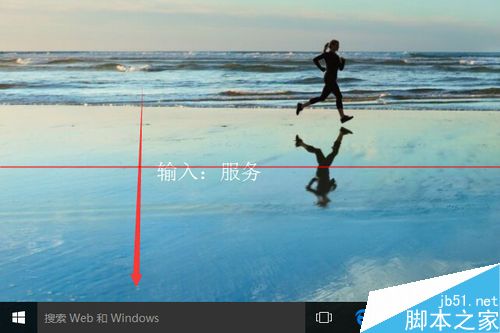
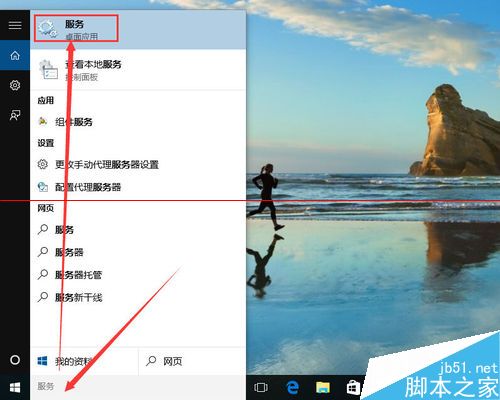
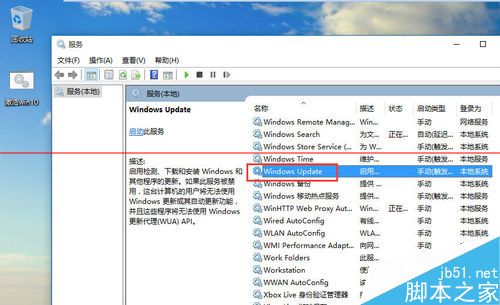
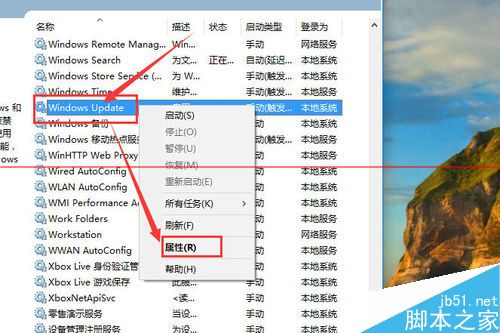
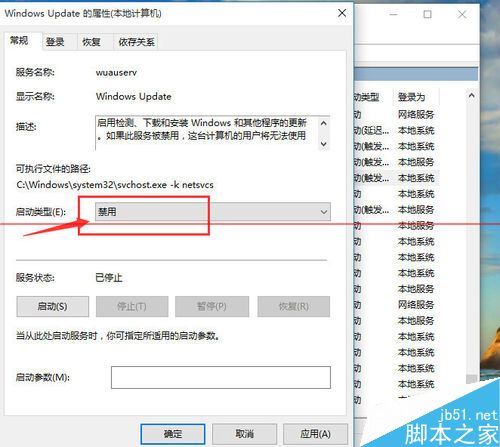
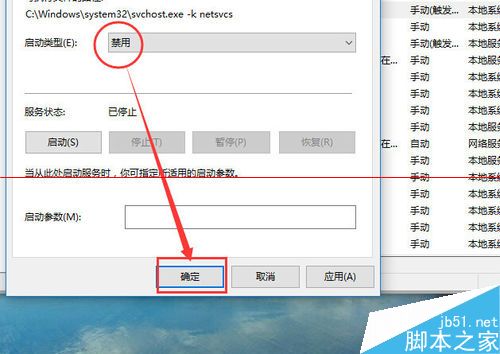
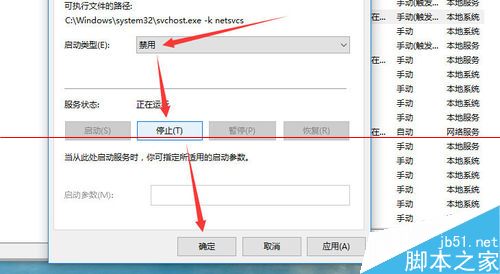
Windows 10 專業版雖無法像家庭版那樣完全鎖死更新,但仍可透過服務管理器停用 Windows Update 服務,達成關閉自動更新目的。
重新開機後,Windows Update 服務將保持停用狀態,系統不再自動下載安裝更新。如需恢復更新,將啟動類型改回「自動」並啟動服務即可。
相關推薦:有效阻止 Win10 悄悄下載更新並自動重啟的技巧。
Win7/Win8.1 快速獲取 Win10 升級推送:清除快取與命令強制檢查
Windows 10 正式版移除 Internet Explorer 11 教學:透過「開啟或關閉 Windows 功能」取消勾選,但可能影響 Chrome、360 等 IE 核心瀏覽器
Win7 寬帶連線錯誤 720 解決:重建連線、設定自動取得 IP
Win7 筆電低電量不提示自動關機解決方案:電源選項進階設定圖文教學
Windows 7 遊戲延遲問題解決:停用 Multimedia Class Scheduler 服務教學
Win7 開機黑屏僅顯示滑鼠箭頭?兩步修復 Explorer 並修正登錄徹底解決
Win8.1 跨裝置同步應用程式資料無縫接續工作
Win7 藍牙搜尋不到裝置?三大排查法:驅動、服務、可發現性