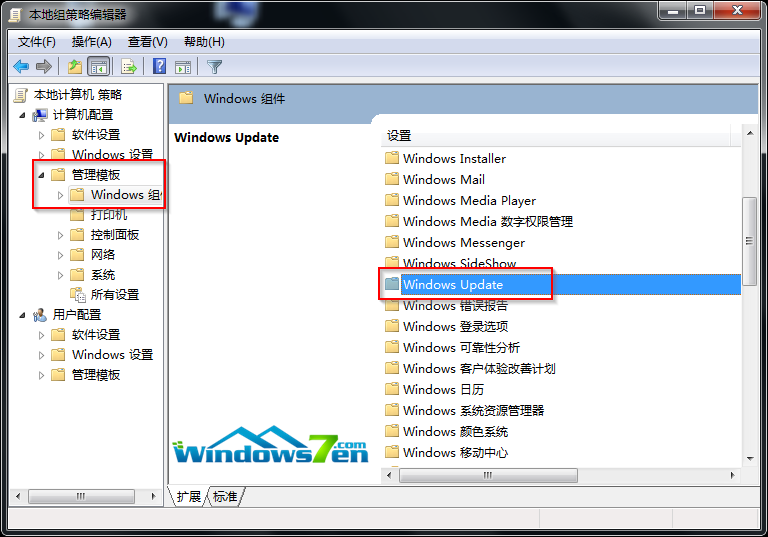
錯誤 720:「無法建立到遠端電腦的連線,需變更網路設定」。解決步驟:
此法適用於多數撥號錯誤 720 情況,若無效請檢查 Modem/光纖設備與 ISP 服務狀態。
Win10 Mobile 預覽版下載安裝教程:註冊 Insider → 確認相容裝置 → 手機訪問官網下載 Windows Insider App → 應用內安裝 Technical Preview
WinXP 縮略圖顯示異常 (檔名不符圖片)?禁用 Thumbs.db 快取或重開資料夾即可解決
Win10 Build 10108 新功能示範影片:UI 細節打磨進入倒數階段
Windows 10 開啟自動設定時間功能:一鍵同步網路時間伺服器
Win10花式關機絕技:滑動關機、一鍵定時關機、快捷鍵關機玩轉逼格