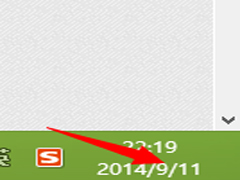
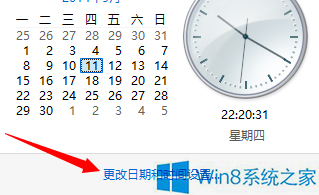
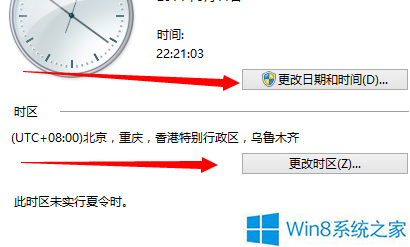
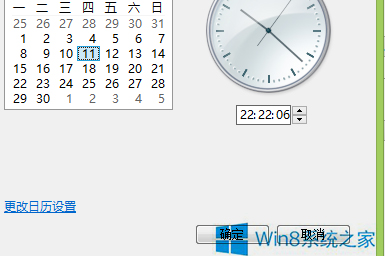
電腦桌面顯示正確的日期與時間對日常工作生活至關重要。若發現時間不準,可依循以下步驟在 Windows 8 中手動調整。
小提醒:建議開啟「自動與網際網路時間伺服器同步」以保持時間精準。
WP8 手機只有 4GB 儲存空間能升級 Win10 Mobile(需 5GB)嗎?需外接 microSD 卡方可升級
Win10 檔案無法拖曳到軟體開啟?EnableLUA=0 修復拖曳但失去商店與 Edge
Win10 Mobile 10136 更新內容大全:海量易用性改進、Cortana 暗色主題、照片/相機增強、單手模式
Windows 8.1 IE 瀏覽器無法使用注音/倉頡輸入法?關閉保護模式即可解決
Win10 桌面背景變黑無法設定?開啟「顯示 Windows 背景」即可恢復
微軟官方確認:Win7 升級 Win10 後第三方輸入法需重裝最新版
Win10 手動切換平板模式,觸控與鍵鼠介面隨心切換
Win10 設定桌面背景圖片:個人化設定中瀏覽選擇、一鍵套用