每天面對相同桌面背景容易視覺疲勞,Win10 更換桌面背景非常簡單:
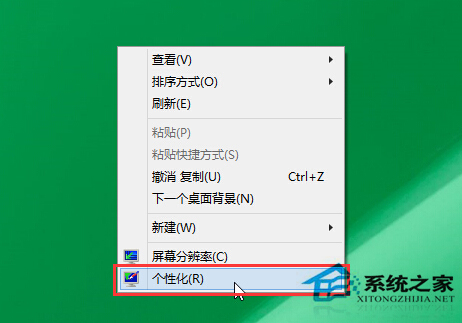
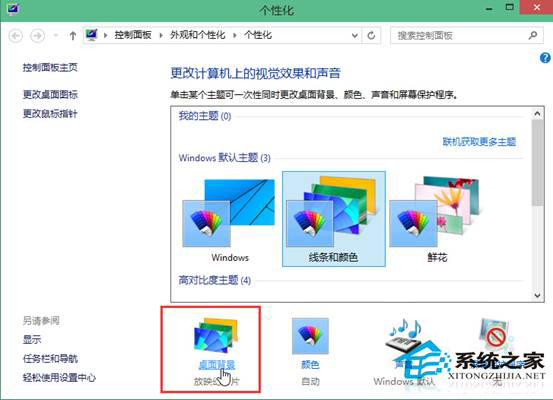
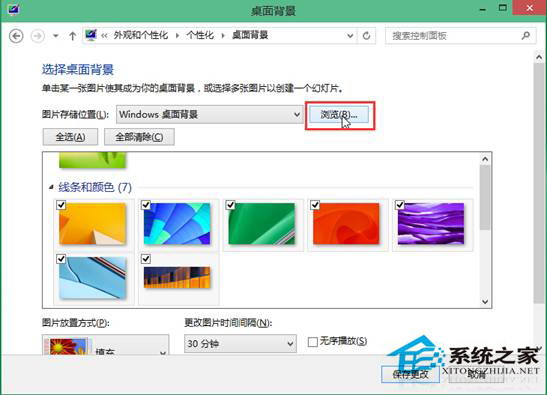
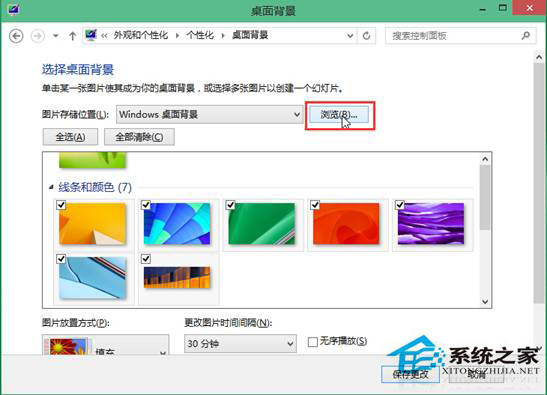
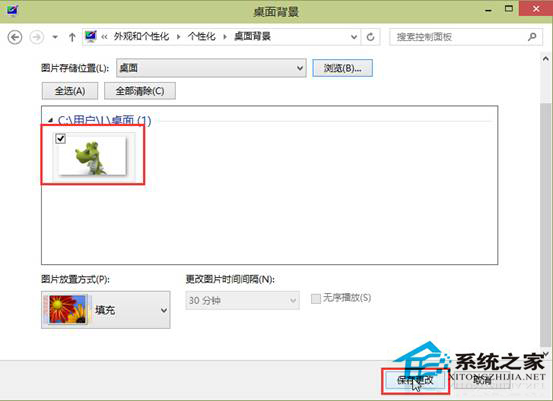
厭倦時隨時可重複上述步驟更換新圖片。
Ghost 重灌後報錯「Error loading operating system」:重建 MBR 或設定作用中分區
ThinkPad 筆電 Win7 關閉觸控板:Fn+F8 快捷鍵或 UltraNav 設定兩種方法
Win7 如何免費升級 Win10?官方「取得 Windows 10」完整圖文教學
Win8 Metro 版 IE 跳轉至桌面版 IE 怎麼辦?設定桌面版 IE 為預設瀏覽器解決
盤點 Windows 10 20 大創新功能:開始選單進化、Cortana、虛擬桌面、Edge 瀏覽器、DirectX 12、免費升級...
Win10 出現「USB 連接埠電源湧流」提示的原因與解決辦法