微軟提供 Windows 7/8.1 免費升級 Windows 10 通道 (已於 2016 年 7 月 29 日截止,文中流程供歷史參考)。透過 Windows Update 安裝 KB3035583 取得升級應用程式,預約並等待推送完成升級與激活。
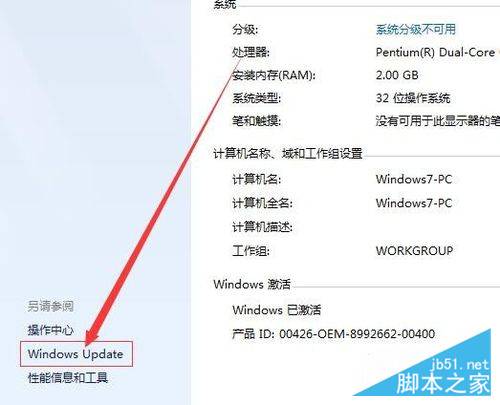
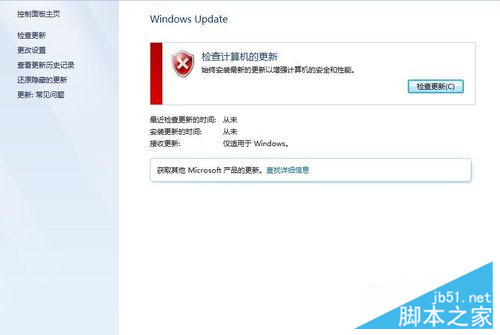
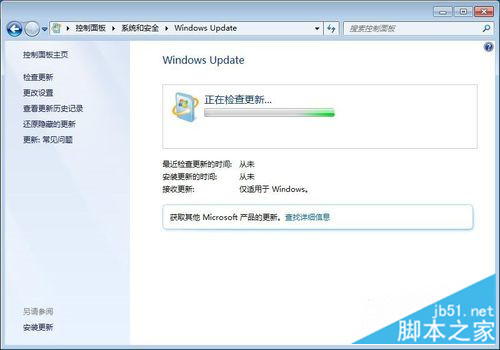
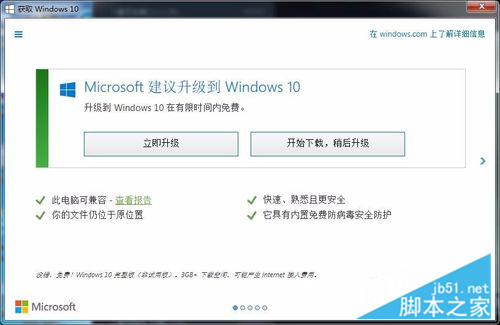
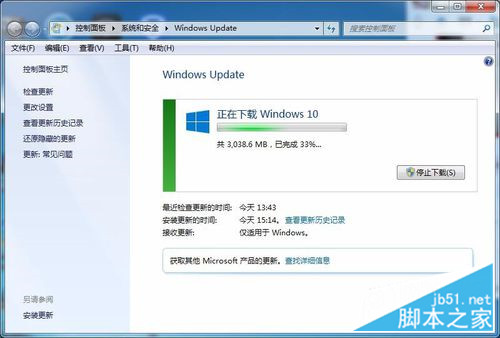
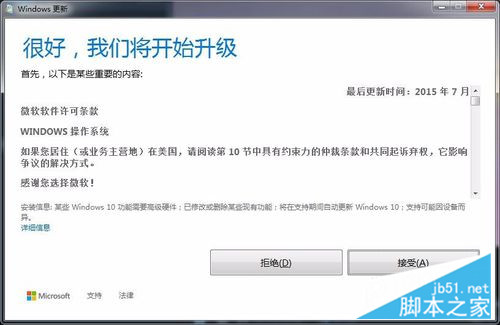
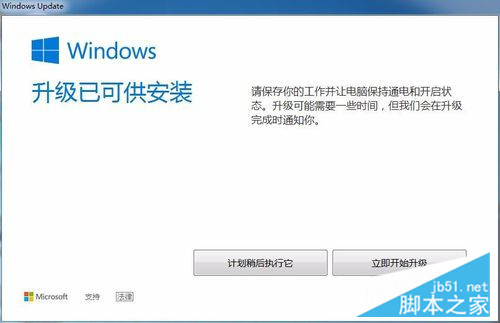
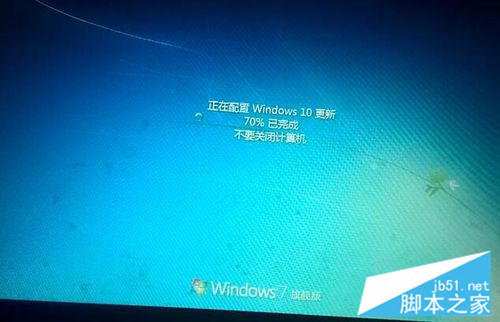
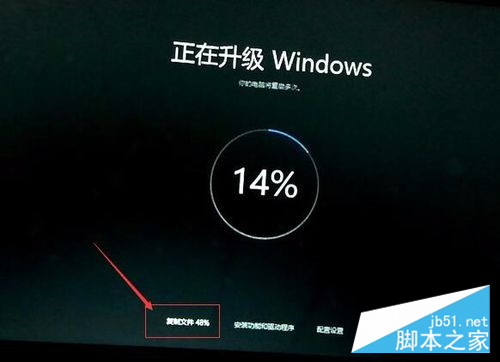
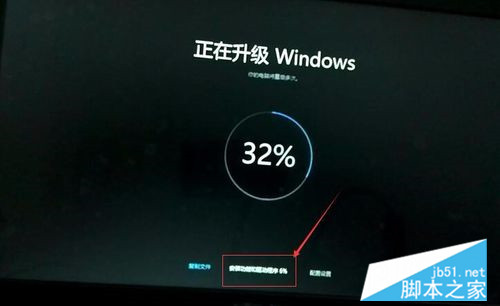
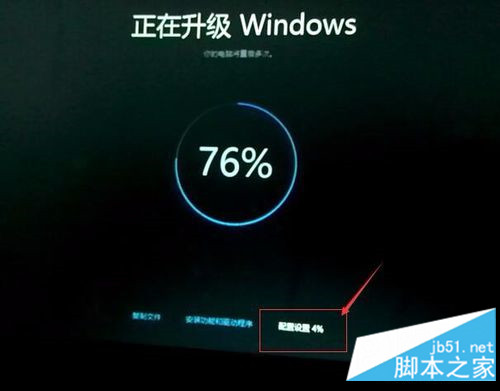
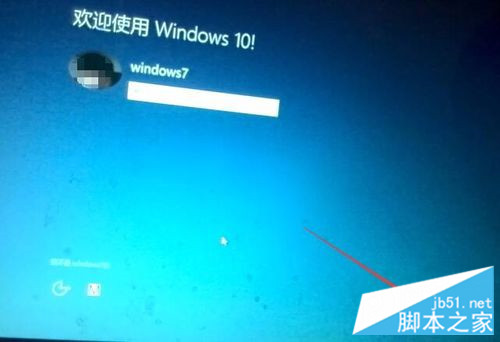
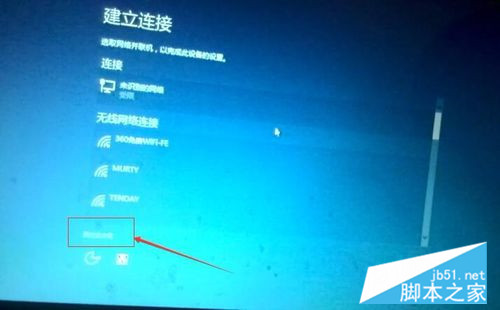

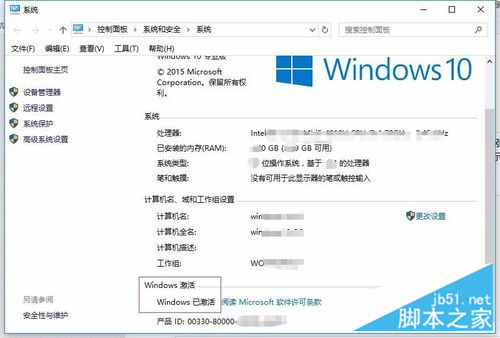
重要提醒:免費升級優惠已結束。目前升級需購買正版授權。文中流程僅供技術參考,現建議直接下載 Windows 10 ISO 乾淨安裝並輸入合法金鑰激活。
Win10 找不到掃雷?Microsoft Store 下載 Microsoft Minesweeper 完整教學
Win7 開機藍屏 STOP: c000021a Fatal System Error?五大排查方案:磁碟修復、MBR 修復、NT Boot Autofix、硬碟檢測、更換硬碟
Win 10 如何進入安全模式?msconfig 設定法圖文教學
Win8.1 運行綠色軟件提示「拒絕訪問」?右鍵以管理員身份運行即可
Win10 Mobile Build 14269 截圖曝光:脫胎換骨,速度飆升
Win10 TH2 正式版 10586 官方 ESD 映像轉 ISO 完整教程:新版解密工具支援雙版本合一映像
Windows 7 啟動 Zend Studio 彈出「Failed to create the Java Virtual Machine」?調整 ini 記憶體參數解決