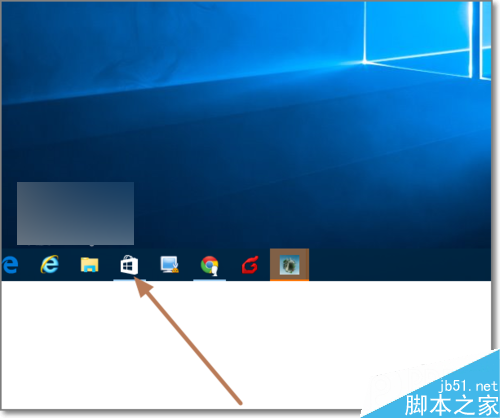
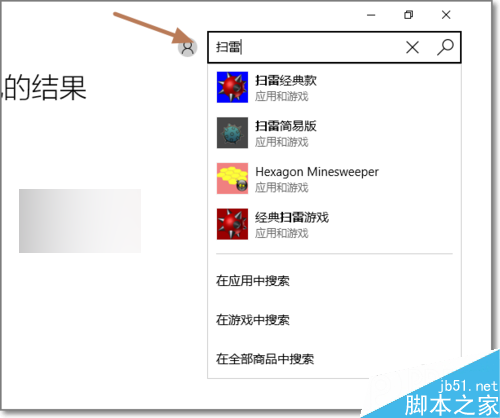
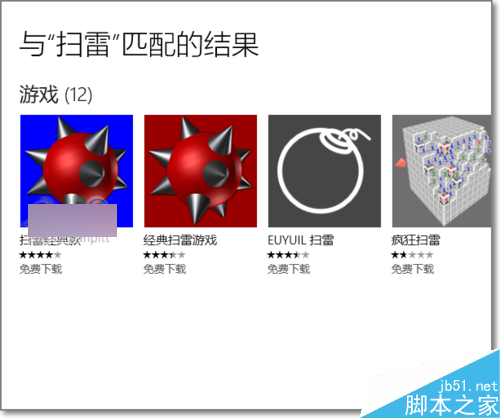
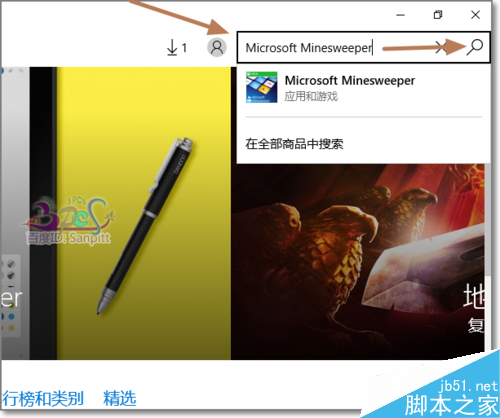
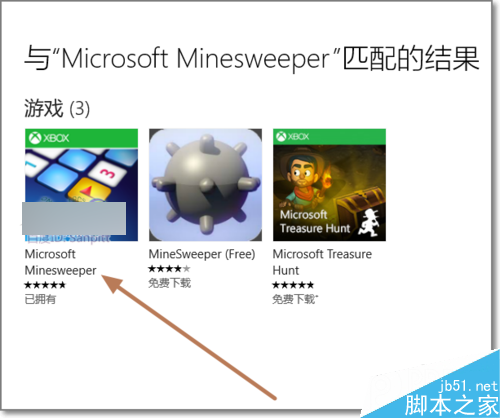
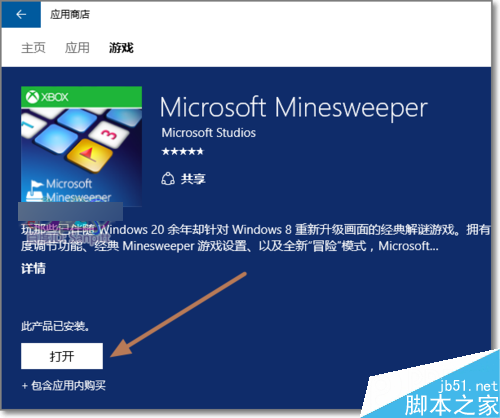
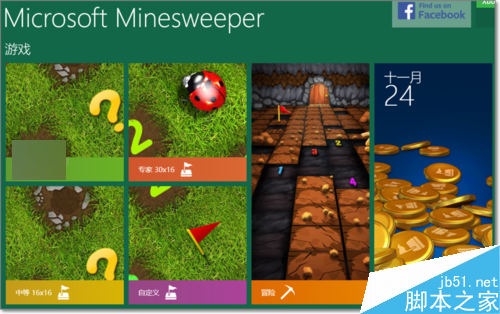
Win10 移除內建經典遊戲,掃雷、纸牌等需自行從 Microsoft Store 下載。搜尋關鍵字要精準,才能找到官方版本。

Win8 關機卡住「Program Manager 阻止關機」?三步徹底解決
Windows 10 隱藏神器 Game Bar 螢幕錄影教學:Win+G 開啟、Win+Alt+R 錄製、Xbox 應用管理剪輯
微軟高管詳解 Win10:不重蹈 Win8 覆轍,打造統一生態系統
換新電腦上不了網?MAC 地址綁定導致,修改網卡 MAC 克隆舊電腦解決
Win10 Mobile 正式版大規模推送啟動:分四批次、夏末前完成、Lumia 530 需手動升級
Windows 8.1 升級 Windows 10 (32/64位) 完整步驟教學