Win10 內建兩大文字工具各有專長:
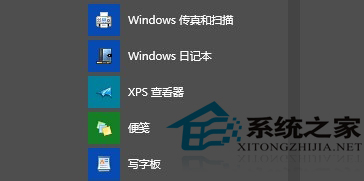
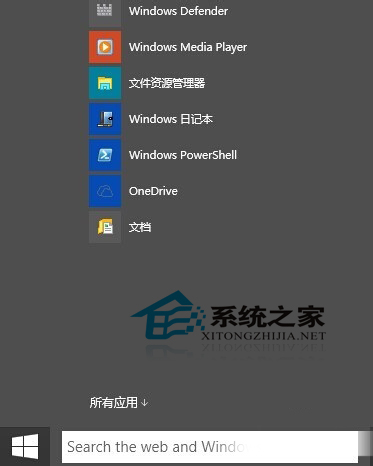

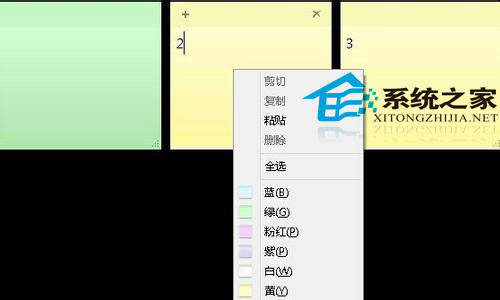

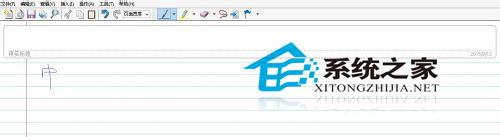
Win7 旗艦版亦內建便箋。兩工具定位互補:便箋適合鍵盤快速記事,日記本適合手寫創作與草圖。
Win10 新增硬碟怎麼分割?內建磁碟管理與第三方工具完整教學
Win8 用戶明年 1 月可透過 Windows Update 升級 Win10 技術預覽版:微軟釋出準備工具降低安裝門檻
Win7 系統設定工具在哪?msconfig 命令快速開啟系統配置,管理啟動項與開機選項
Win8 還原隱藏更新:控制面板 Windows Update 介面操作
微軟官方確認:盜版升級 Windows 10 桌面將出現浮水印,購買正版授權可移除
Windows 10 Windows Defender 無法啟動/開啟修復:第三方安全軟體卸載後服務異常,sc start WinDefend Enable 指令一鍵修復