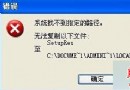
安裝並卸載第三方安全軟體後,Windows Defender 無法開啟,提示錯誤。經排查非檔案被竄改 (證書正常),疑為 Windows 10 Bug 導致服務無法正常啟動。
sc start WinDefend Enable (不含引號) → Enter。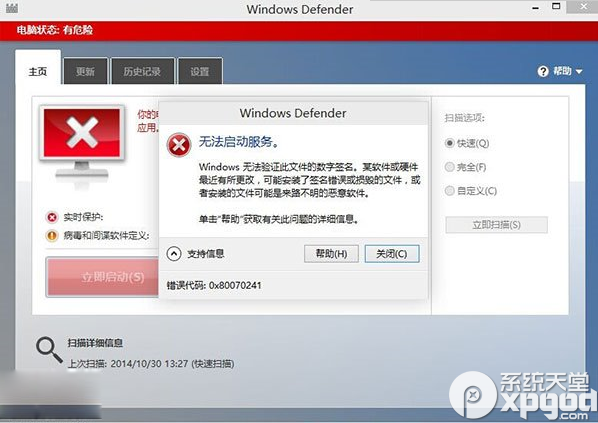
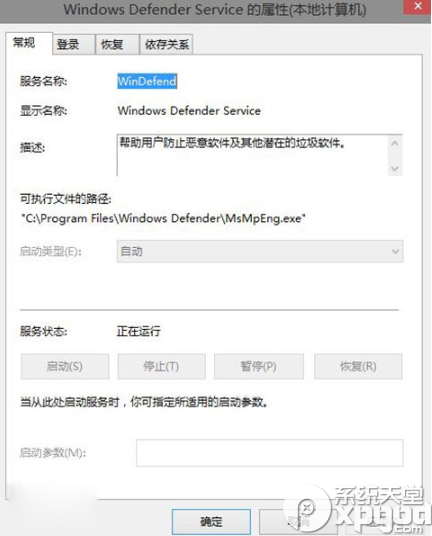
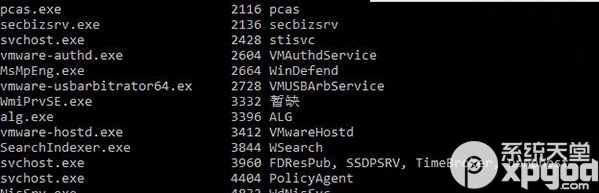
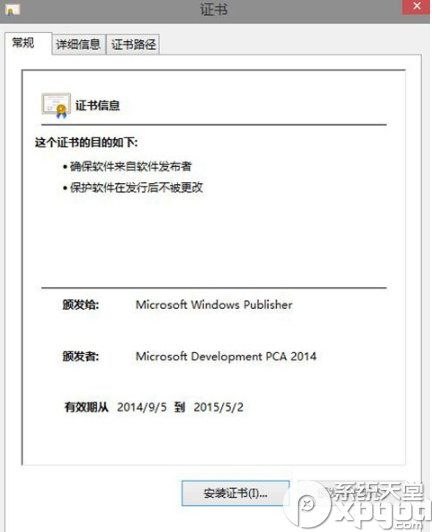
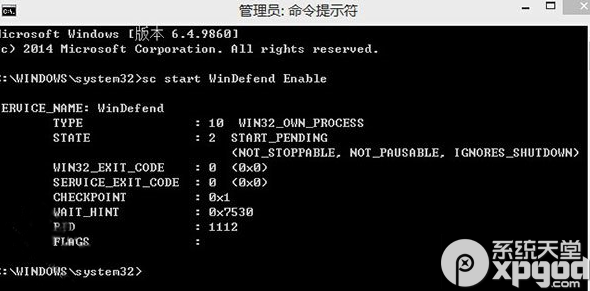
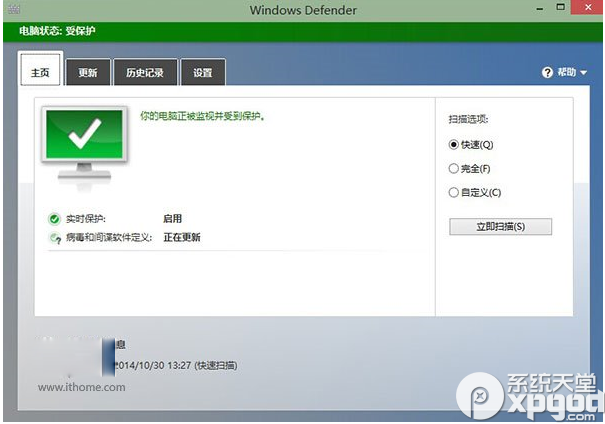
執行後 Windows Defender 即可正常開啟。若問題重複發生,可建立批次檔 (.bat) 含此指令,需時雙擊執行快速修復。
Win10 9926 更新後極路由無法連接硬碟:SMB 1.0/不安全來賓存取 登錄修復法
Windows 10 進入 Windows 恢復環境(WinRE)修復系統、還原、重裝完整指南
Win10 顯卡驅動如何回滾至上一版本?裝置管理器一鍵操作教學
Win7 開機提示「使用者設定檔服務登入失敗,無法建立更多執行緒」?啟用 User Profile Service 或建立新帳號
刪除檔案提示「資源回收筒已損毀」:CMD 重建 Recycle Bin 修復
Win10最新預覽版:Cortana整合開始選單搜尋,漢堡選單與動畫效果提升融合度