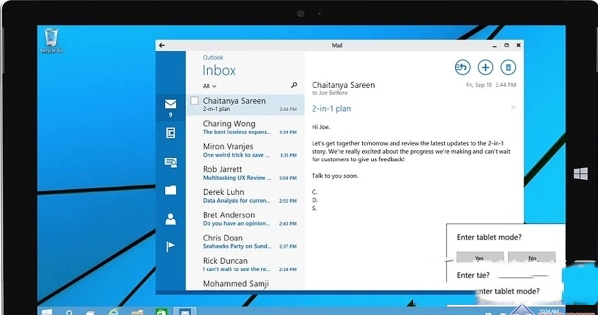
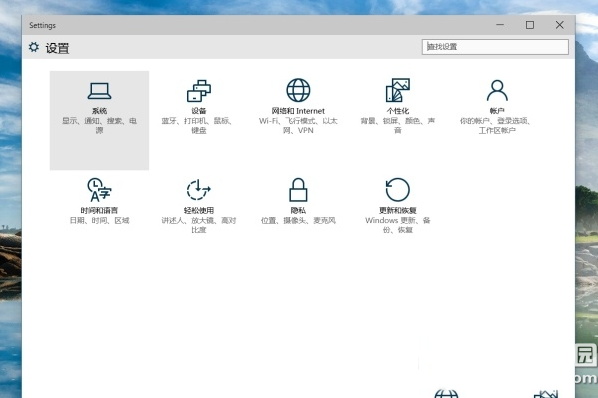
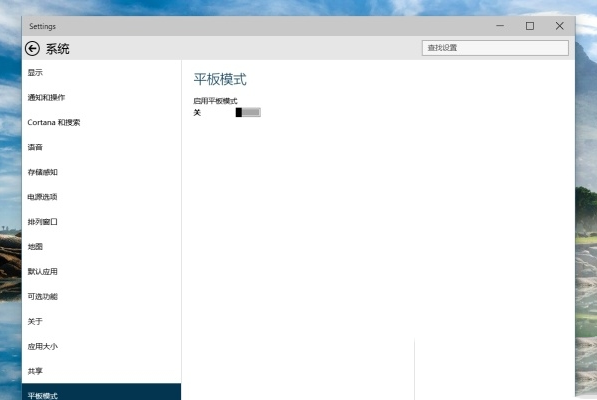
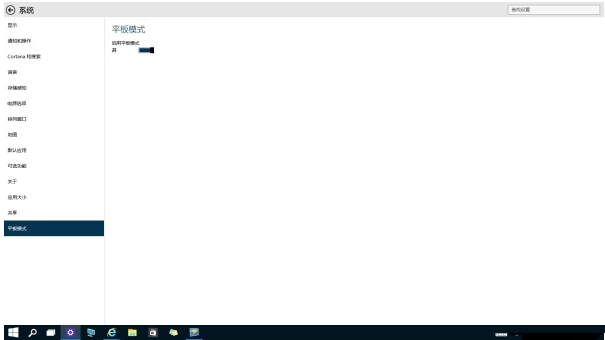
Win10 Continuum(平板模式)可依鍵盤連接狀態自動切換介面,但也支援手動強制切換:
啟用後:所有應用全螢幕呈現,標題列無還原鍵(僅可關閉/最小化)。 關閉後:恢復傳統視窗化桌面操作。
註:早期 Build 9926 平板模式尚在初期,後續版本持續優化視窗管理與切換體驗。
Windows 7 資料夾啟用核取方塊:滑鼠輕鬆多選不連續檔案
升級 Win10 後電腦頻繁當機?七大應對策略
Win10 Cortana 位置歷史記錄開關變灰色無法調整?原因與解決方案
Win8 關閉後台程序加速系統:任務管理員快速操作指南
Windows 洩密者 WZor:Insider 成員可免激活參與 Win10 RTM 版測試
Windows 8 索引檔 Windows.edb 移至非系統碟:釋放 C 槽空間完整教學
Windows 10 透過群組原則禁止 USB 隨身碟/可移動裝置連接教學
Win8 C槽空間告急?系統自帶清理 + 魔方磁碟分析 + 大檔遷移三步瘦身法