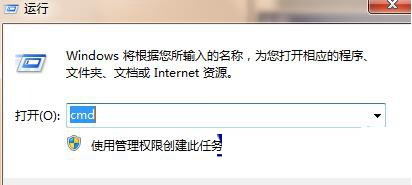
Win8.1 下 IE 瀏覽網頁時,注音/倉頡輸入法(含極點、搜狗等)無法輸入文字。解決方法極簡單:
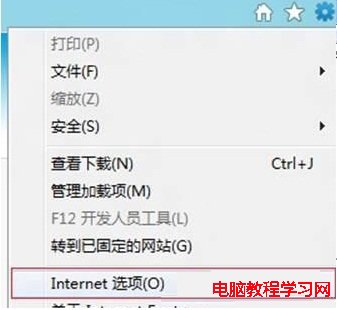
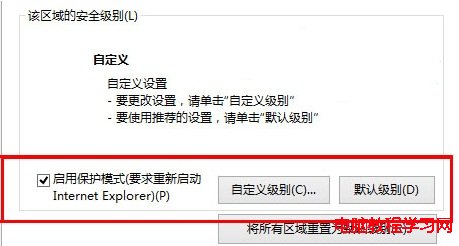
若仍無法使用,請確認下載的輸入法版本是否符合系統位元數(32/64 位元)。
Windows 7 禁用資料夾縮圖顯示改為圖示:資料夾選項「永遠顯示圖示」
Windows 7 10 大優化調校技巧:加速磁碟重組、IE 快速載入、修復小工具、Alt+Tab 增強、關閉智慧視窗排列、系統還原調整、放大鏡改良、不同身分執行、命令列設定時區、通訊音量自動降低
Windows 10 工作列跑到右側或頂部?兩招快速還原至底部
Win7 旗艦版錯誤 0x000006d18 解法:停用 WuAuServ、重命名 SoftwareDistribution、重啟服務
Win10 驚現 8 種全新場景音效:輕柔風格統一但辨識度待加強
Win10 內建 OpenSSH 啟用完整教學:安裝、設定與連線測試